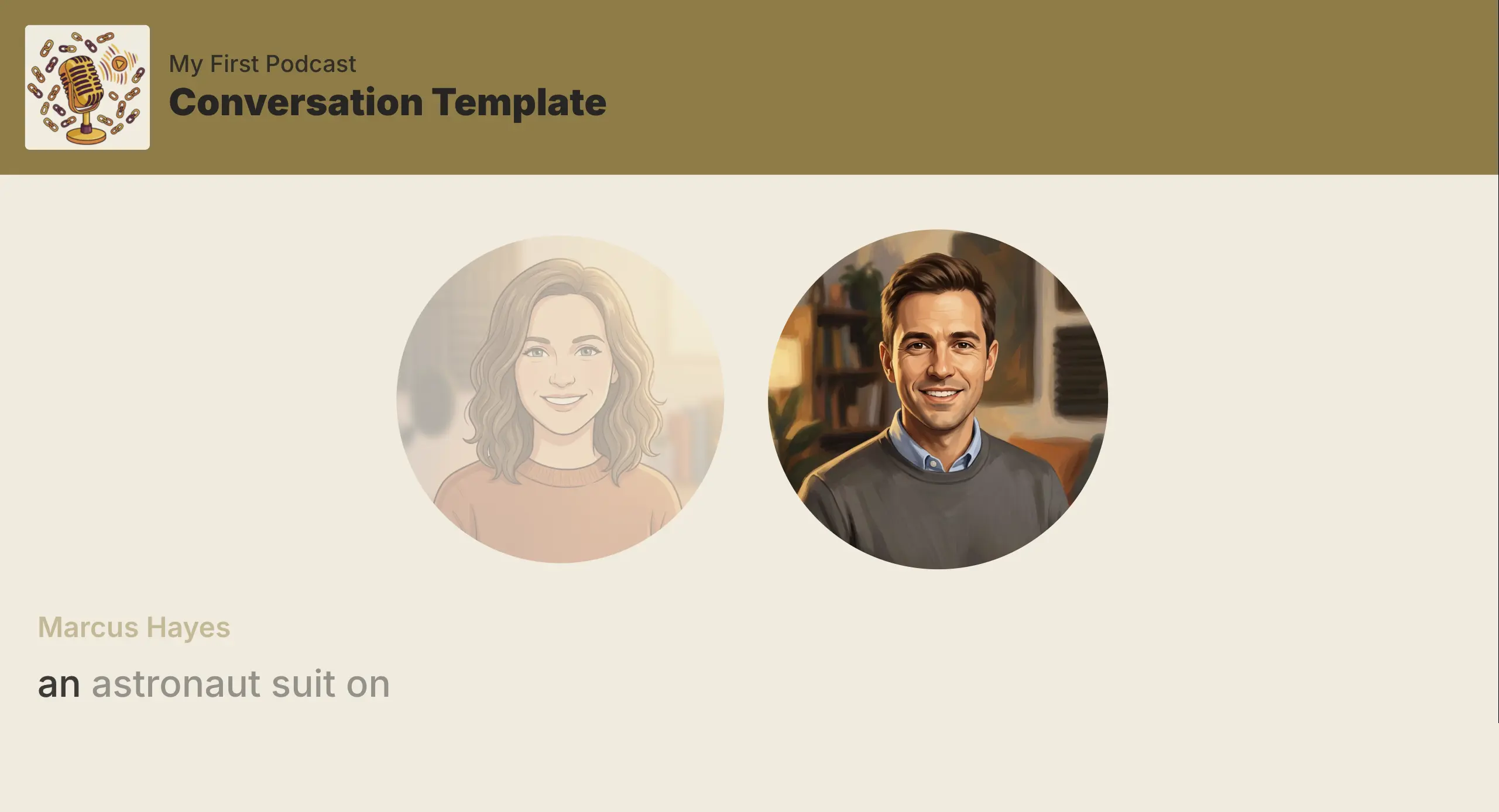
We've added Full Screen Captions, a new Podcast Template that makes the transcript the entire visual.

Each word appears when it is spoken and stays on screen until the current caption page is complete. Then the next phrase starts on a clean frame. There is no cover art or waveform competing with the words.
The template uses your selected background color and font, and it works in landscape, portrait, and square layouts. It is a strong fit for episode videos and social clips that need to read clearly before someone turns on the sound.
How to use it
- Open an episode in the Studio.
- Click Video Style above the video preview.
- Pick Full Screen Captions, then click Use.
The preview updates immediately, with no visual generation required. See Video Templates for the full Podcast Template lineup.