

Trusted by 100K+ creators
Podcast hosting that publishes every episode for you
Podcast hosting comes with every show: a website and one RSS feed for Spotify, Apple Podcasts, and YouTube.
Generate7-Day Free Trial. Cancel Anytime.




4.6out of 5 on G2












Publish your new podcast everywhere.
Every episode gets a website and one RSS feed that Spotify, Apple Podcasts, and YouTube can list. You can run more than one show from the same account.
How to use Built-in Hosting
Step 01
Set up your show
Create a podcast and pick one of five website templates.Step 02
Publish and submit
Publish an episode, then submit your RSS feed to Spotify, Apple Podcasts, and YouTube once.Step 03
Grow the audience
New episodes reach every platform on their own.
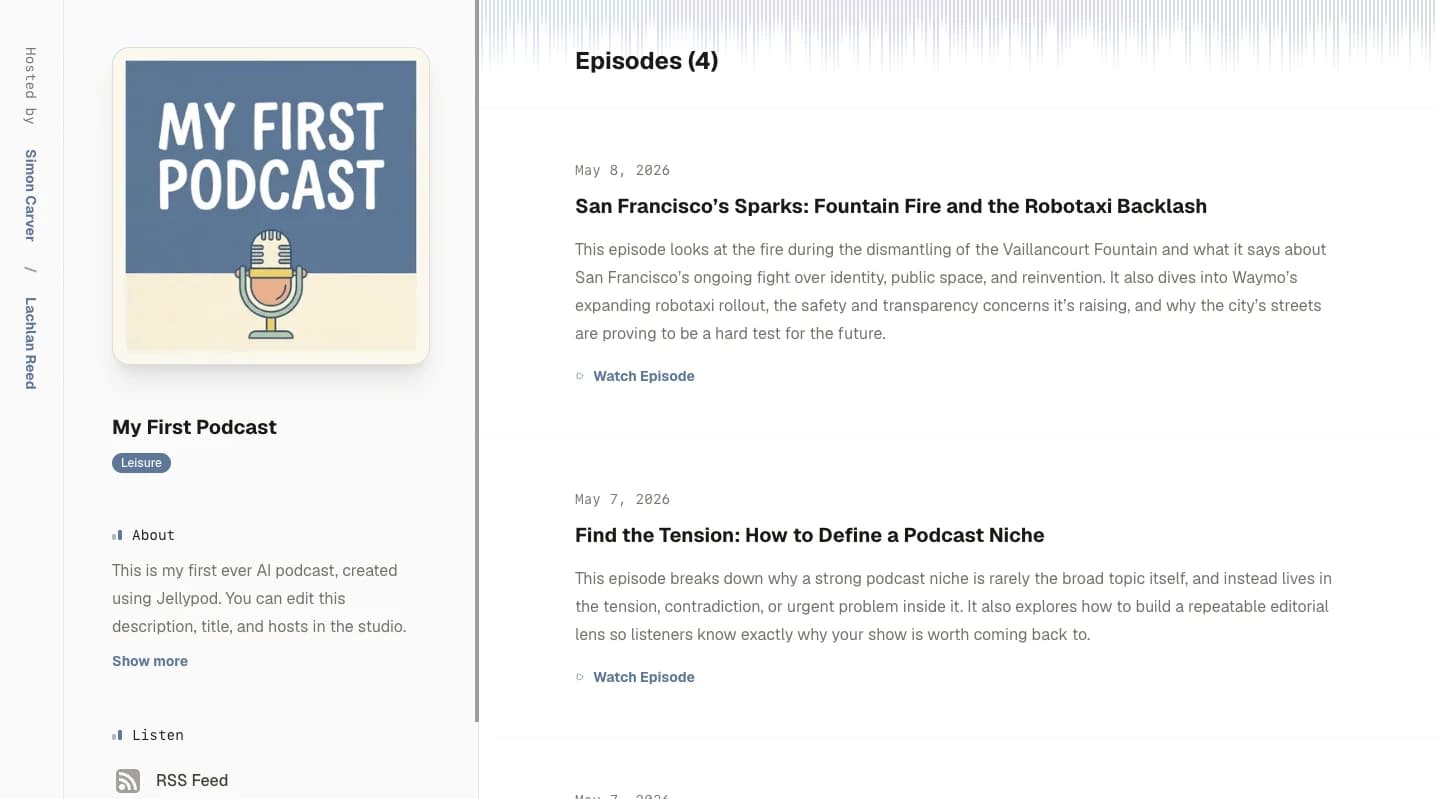
Launch a podcast website
Five templates use your cover, episodes, and links, and you can switch any time.
Publish on the morning you choose
Pick the morning a finished episode should go live.
- Any paid plan, including Starter
- A date up to 90 days out
- An email when it publishes
- Cancel Schedule returns it to a draft and keeps the audio

Use your own domain
On Business and above, connect your own domain. Every episode includes a transcript and an SRT file. Read the help guide.
Stories from Ohio State, Busylike, and Johns Hopkins
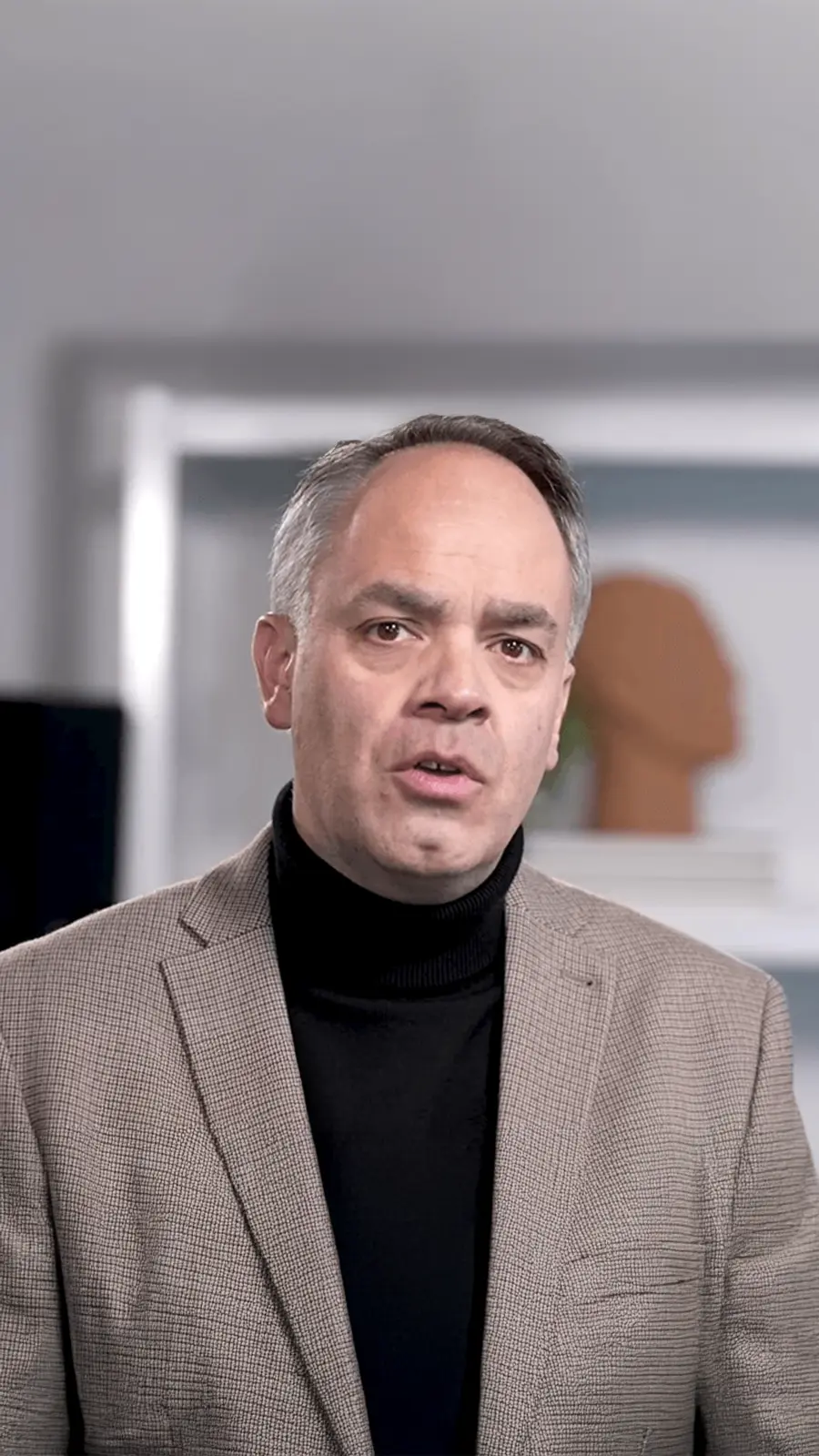
It's not about replacing lectures. It's about reinforcing the arc of learning in the moments students actually have.
 Steve DeNunzioMBA ProfessorThe Ohio State University
If you are already investing in content marketing, Jellypod is a must-have to integrate into your strategy.
 Vadi EfeFounderBusylike
It's a digital version of myself and a way to amplify [my voice] without having to hire another employee.
 Boi CarpenterVP Alumni RelationsJohns Hopkins University
You just dump in your information and structure your podcast. It was the easiest thing I've ever done.
 Dr. Louise LambertAssociate Professor, Psychologist
FAQ
How do I get on Apple Podcasts?
Can I use my own domain?
Do episodes include transcripts and captions?
Can I schedule episodes to publish later?
How is scheduling different from automations?
Can an AI agent schedule my episodes?
Discover more about Built-in Hosting
Explore related
More from Jellypod
Podcast Website Templates
Four new website layouts join Spotlight. Switch templates, set a brand color, and preview every change live from the website editor.
Read moreHow to Schedule Podcast Episodes in Jellypod
Learn how to schedule podcast episodes in Jellypod so they publish automatically to Spotify, Apple Podcasts, YouTube, your website, and more.
Read morePublish Anywhere with RSS Feeds
Jellypod now supports RSS feed publishing, making it easier than ever to distribute your AI podcast.
Read more


Publish once, reach every podcast app
7-Day Free Trial. Cancel Anytime.

Every episode lands on one website and feed
Everything you generate, schedule, or automate publishes to the same website and feed, and analytics show how each episode performs.