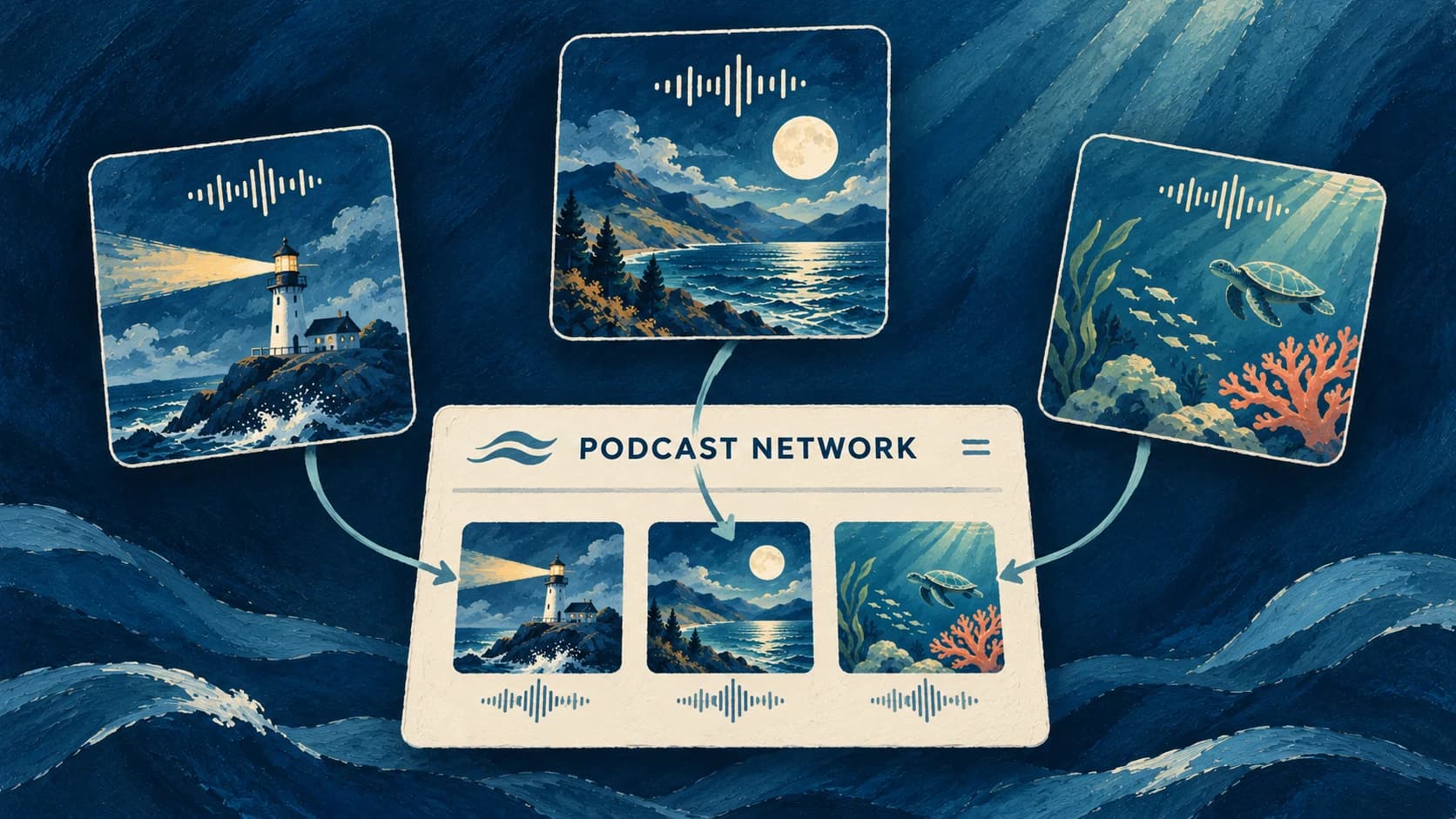
Now that you've created an amazing AI podcast, how do you get it to your listeners?
RSS Feeds.
What is an RSS Feed?
RSS is the backbone of podcast distribution.
Think of it as a constantly updating catalog of your podcast that contains everything listeners need: episode titles, descriptions, cover art, and the actual audio files themselves. The feed is properly formatted to make it easy for podcast platforms like Spotify or Apple Podcasts to read and display your content.
Every show needs a valid RSS feed to be distributed on these platforms. Typically, creators need to use a podcast hosting provider to generate and maintain their RSS feeds. However, with Jellypod, this is all handled automatically.
Publish Everywhere, Instantly
Today, we're excited to announce that Jellypod now automatically generates an RSS feed for each published show, making it effortless to distribute your podcast.
This means you can easily use this feed to submit your show to popular platforms like:
- Apple Podcasts
- Spotify
- Google Podcasts
- Amazon Music
- And any other platform that supports RSS feeds
Don't want to do this manually? We're working on a feature to automate this process in the near future.
How It Works
When you publish an episode in Jellypod, it's automatically added to your show's RSS feed. Your feed includes all the essential metadata platforms need:
- Show details and artwork
- Episode descriptions
- Audio files
- Host information
- Categories and tags
Getting Started
Create and publish your podcast episode in Jellypod
Find your RSS feed URL in your show settings
Submit your feed URL to your preferred podcast platforms by following their platform-specific instructions
That's it! Future episodes will automatically appear on all connected platforms
We will be streamlining the process of submitting your feed URL to platforms like Apple Podcasts, Spotify, and Google Podcasts in the future. Stay tuned!
Focus on Creating, Not Distribution
With RSS feed support, you can focus on what matters most - creating engaging content with your AI host.
Ready to reach more listeners? Start publishing your Jellypod shows today and share your unique AI-powered content with the world.