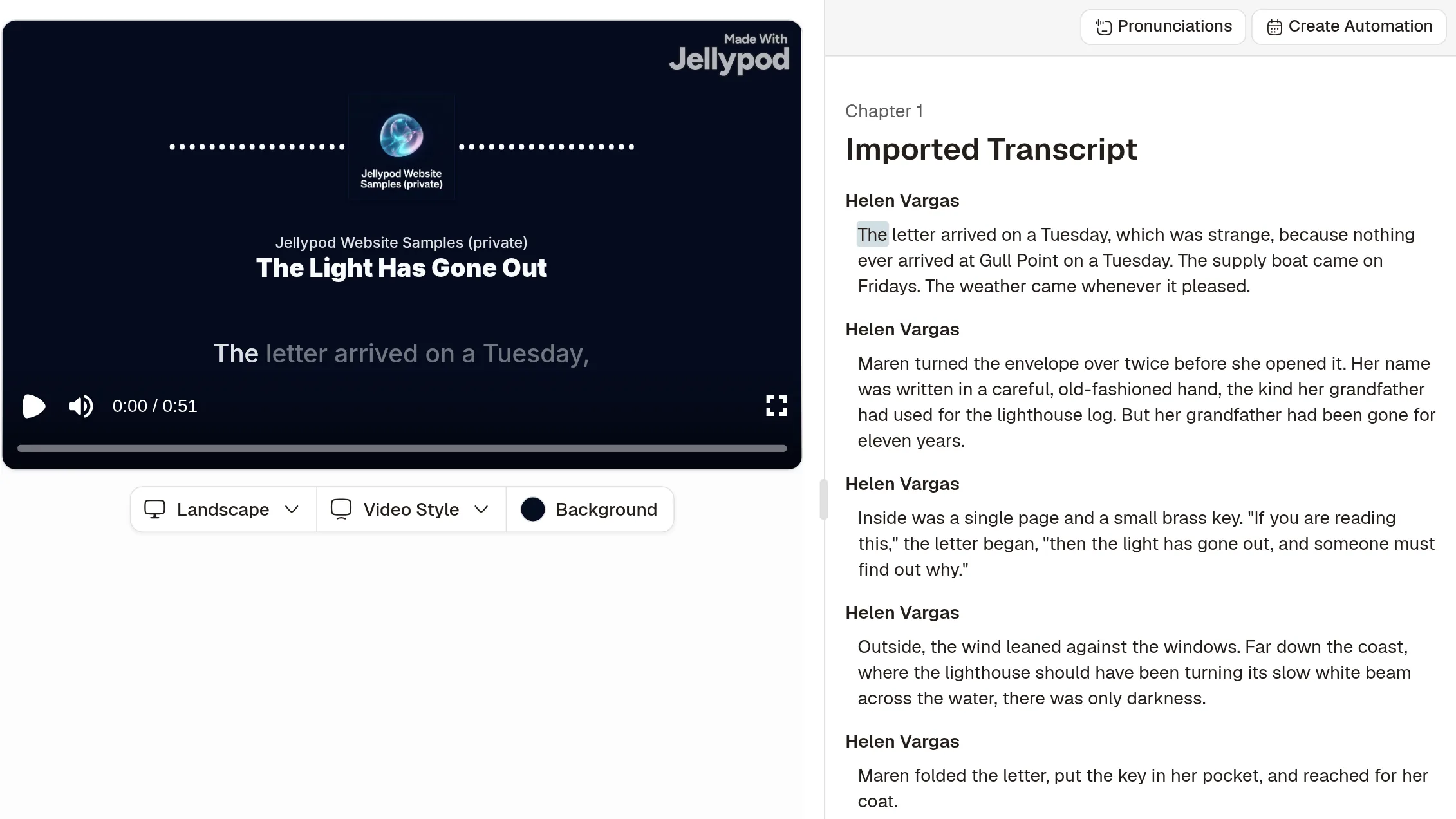
Jellypod narrates a chapter or a short book in a voice you pick, then you download the MP3. Paste the chapter, or import a supported file, and the wording you bring in is the wording that gets read.
What can this AI audiobook generator make?
One episode, read by one character, then downloaded as an MP3.
Paid plans include episodes up to 60 minutes, with the limit for each plan on pricing.
Why chapters and short books?
A chapter fits in one episode, so you can keep the author's words from start to finish.
A script longer than your episode length is refused. Split a long book into chapter episodes.
How do you turn an EPUB into an audiobook chapter?
Copy the chapter out of the EPUB, or save it as TXT, DOCX, or PDF, then paste or upload it and download the MP3. The label format is the one in use your own script.
- Copy the chapter or save it as a file
Copy the chapter text, or export or save the chapter as TXT, DOCX, or PDF, then paste or upload it with [Narrator] on its own line above each paragraph. Files can be up to 4 MB.
![Jellypod Upload script dialog with a chapter pasted in and [Narrator] tags above each paragraph](/blog/ai-audiobook-generator/upload-script-dialog.webp)
- Pick a Voice Library narrator
Pick a Voice Library narrator for that speaker. Click Use voice to start a character with that voice.
- Generate the episode
Click Generate, and Jellypod runs the speaker review, then generates the audio.
- Download the MP3
Click Download, leave Download Audio selected, and save the MP3.
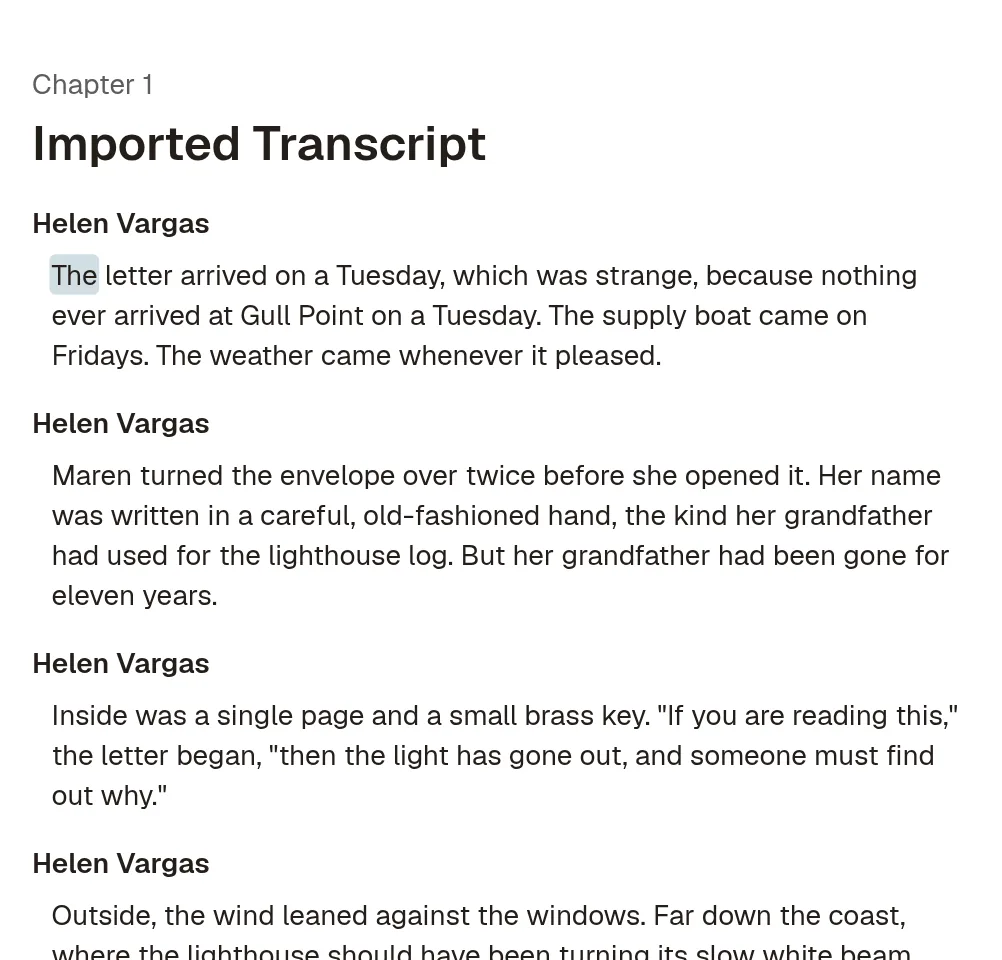
An EPUB can also be added as a source, and Jellypod rewrites it into a new script.
A clone is optional, and separate from this narrator. On the Voices page, click Create Voice Clone, then Clone your voice, and only for a voice you have the right to use.
Review the chapter before audioTry Jellypod![A script with [Maya] and [Dev] speaker labels beside the three speaker blocks an import reads from it](/_next/image?url=%2Fblog%2Fhow-to-write-a-podcast-script%2Fscript-block-format.webp&w=3840&q=75&dpl=dpl_AbSFtk8RuKX45w3CzwQpGRqCzgej)