We've added Pixel Art, a new AI-generated video style built on one consistent coarse square-pixel grid, staged as a bright three-quarter adventure diorama.

Layered terrain, elevated paths, and overlapping scenery give each scene playful 2.5D depth without voxels or smooth 3D rendering, lit with warm daylight and a saturated, topic-adaptive palette. Motion uses a short whole-pixel camera track across the diorama while one focal sprite performs a discrete action, and captions use warm-cream block-pixel lettering with a hard forest-green outline and a coral current word on a soft sky-blue canvas.
How to use it
- On the Shorts page, pick Pixel Art from the style rail, or open the Video Style picker above an episode's video preview to apply it to the episode's video.
- Jellypod handles the art direction automatically, choosing palette, composition, and treatment to fit your topic.
- Browse a full-size preview any time from Video Styles in the studio sidebar's Personalize section.
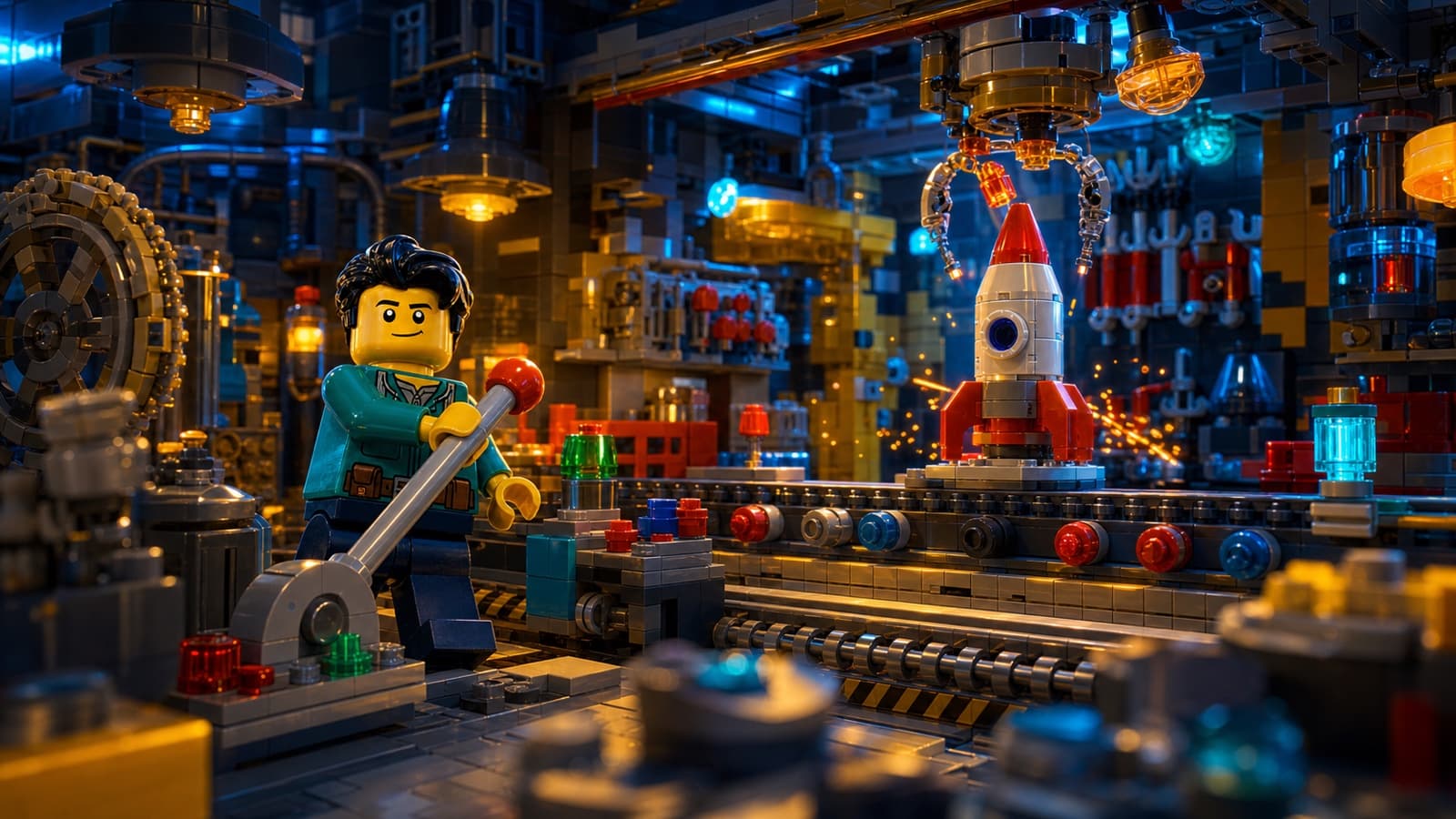
Pixel Art joins Paper Mache, Whiteboard Explainer, Watercolor, Sketch, Stickman, Almanac, Claymation, and Toy Bricks as Jellypod's ninth style. See Creating Shorts for a description of each.