Turn a blog post into a podcast
Jellypod turns a blog post into a podcast: paste the post's public URL as a source (or paste the text from a Google Doc), and it writes and voices a two-host episode you can edit line by line before you publish it to your podcast's RSS feed.
Starter and higher plans submit that feed to Spotify, Apple Podcasts, and YouTube.
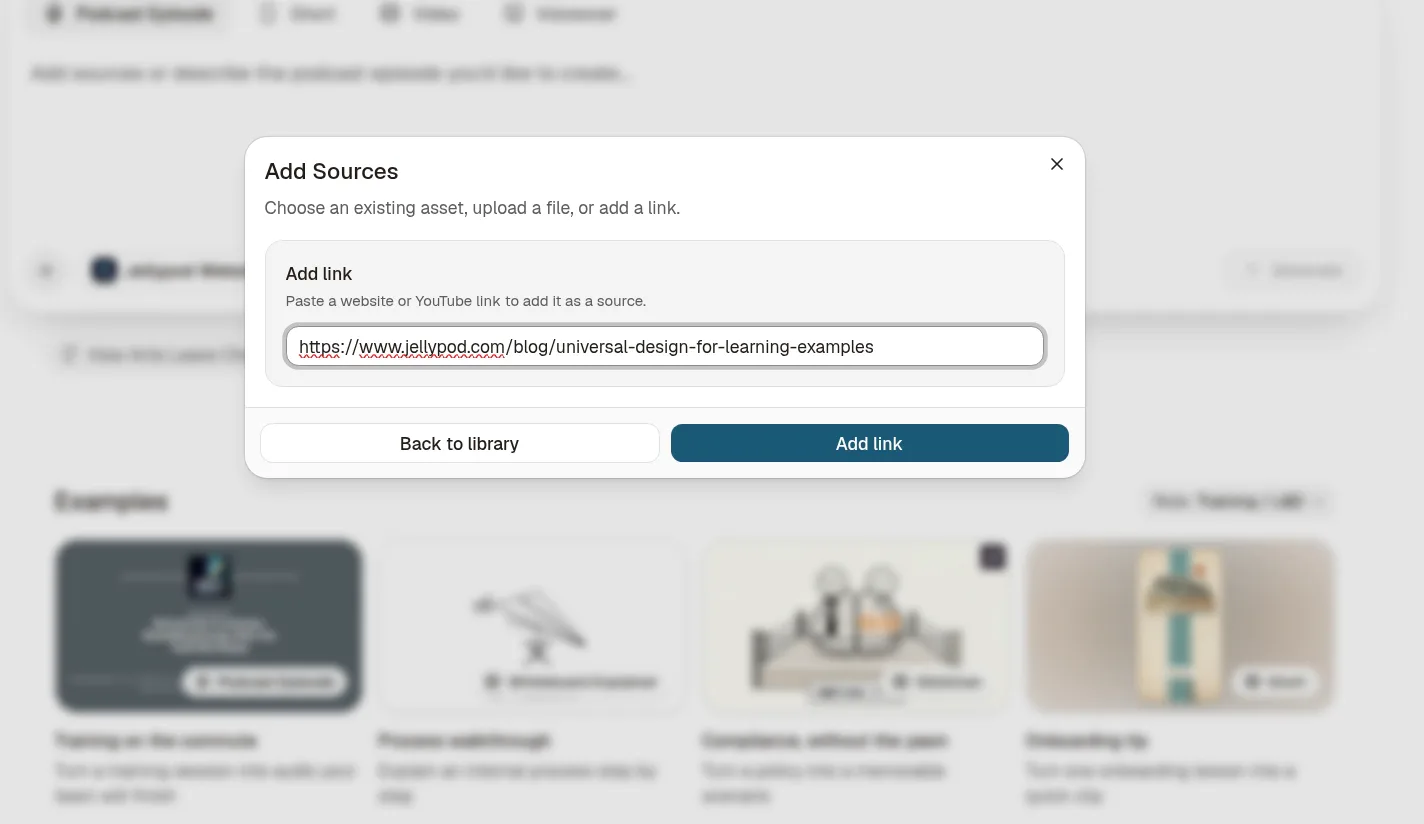
How to turn a blog post into a podcast
Step 01
Pick a post
Choose a public blog post, or text you can paste from a doc. See which posts to convert before you start a series.Step 02
Click +, then Link, and paste the URL
Or paste the text.Step 03
Pick up to four hosts or your cloned voice, then send
The library has 3,300+ voices across 121 languages.Step 04
Edit the script
Jellypod writes and voices it in one pass. Edit any line, then regenerate just that line, which uses no credits.Step 05
Publish
Publish the episode to your podcast's RSS feed.
Blog post or Google Doc
For a Google Doc, copy and paste the text, or download it as Word (.docx) or PDF and upload it.
Read-aloud vs two-host episode
| Format | What you get | Jellypod |
|---|---|---|
| Narrated read-aloud | A single voice reads the post. | No. Jellypod writes a two-host conversation. |
| Two-host conversation | Hosts talk through the post. | Yes. Up to four hosts, or your cloned voice. |
| Published episode with RSS | A website and a feed for the episode. | Yes. Website and RSS feed on every plan; Spotify, Apple Podcasts, and YouTube on Starter and higher. |
FAQ
How do I turn a blog post into a podcast?
Can I turn a Google Doc into a podcast?
Can I use a blog URL as the source?
How many hosts can a blog episode have?
Can I publish the episode to Spotify and Apple Podcasts?
Do I need to record anything?
Related
More from Jellypod
![A script with [Maya] and [Dev] speaker labels beside the three speaker blocks an import reads from it](/_next/image?url=%2Fblog%2Fhow-to-write-a-podcast-script%2Fscript-block-format.webp&w=3840&q=75&dpl=dpl_6k98af8o3TniVuJMJtRuthNXgPtH)
How to Write a Podcast Script: Speaker Labels and Formats
Write a script you can record or hand to AI voices: the block format, two ready templates, and the length math for your episode.
Read more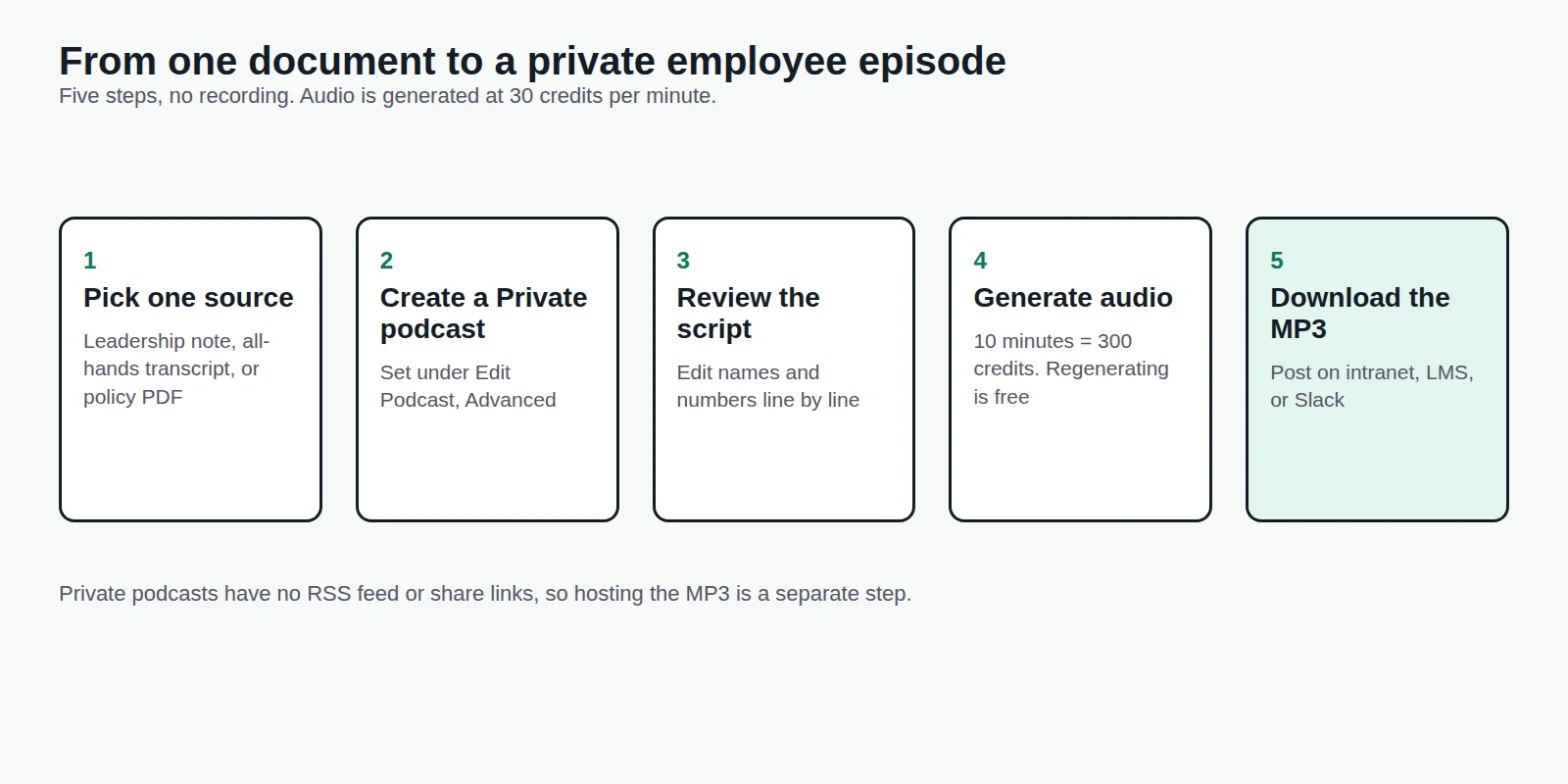
Internal Communications Podcast: How to Start a Private One
Turn all-hands notes, policy changes, and sales updates into short episodes employees listen to, without booking a studio or exposing anything publicly.
Read more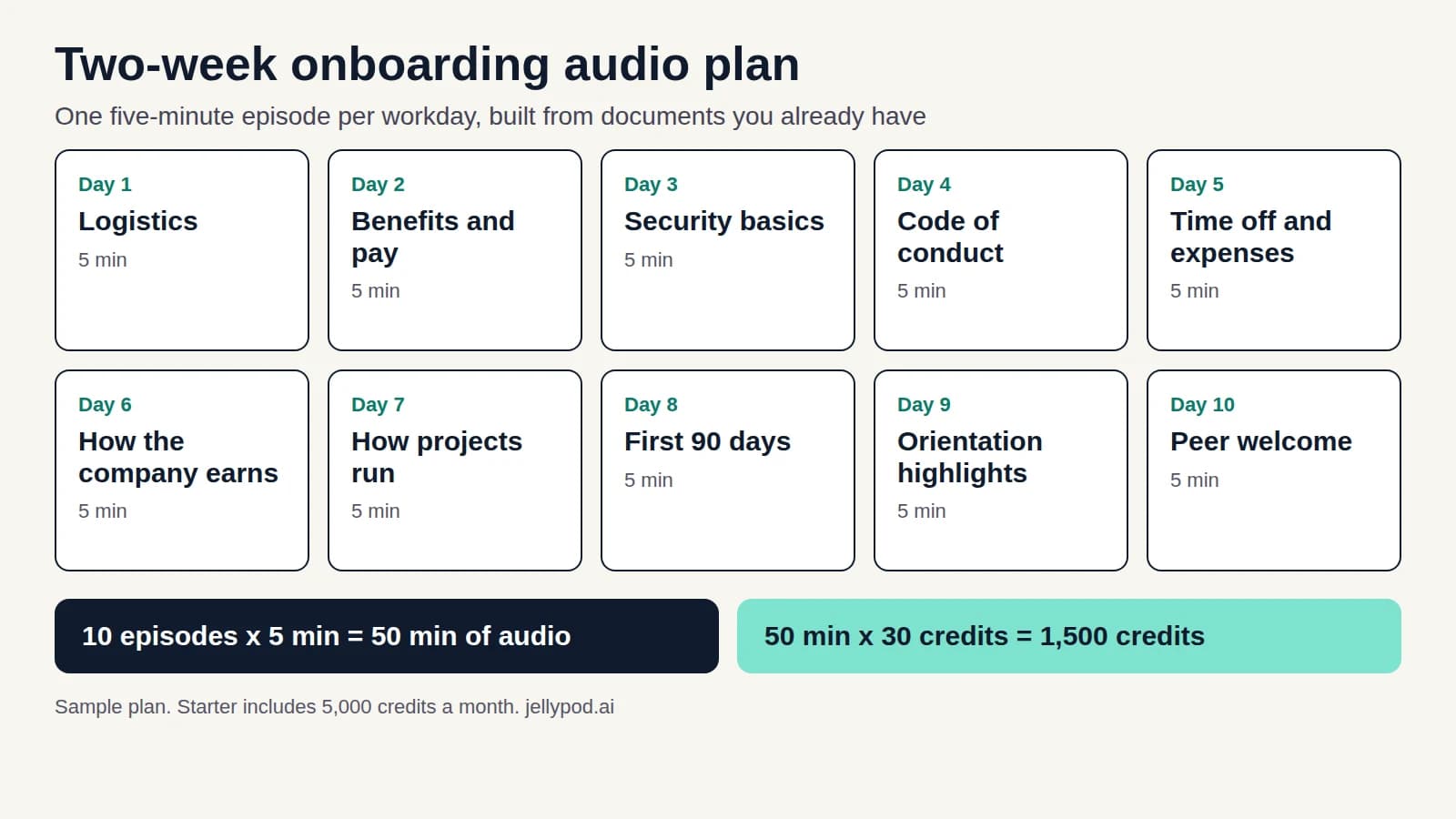
Onboarding Training for New Hires: A Two-Week Audio Plan
Turn the handbook and orientation recording you already have into a ten-day listening track new hires can finish, with a sample schedule and a credit estimate.
Read more