Universal Design for Learning (UDL) is a course design framework: instead of writing accommodations after a student falls behind, you plan more than one way to engage with, take in, and show understanding of the material from the start. The most concrete example is offering the same reading as text and as audio.
Audio is the format most courses skip because it used to mean recording a second lecture. With Jellypod, you upload the PDF, slide deck, or recording you already have, edit the script, and get an episode students can play on a commute.
Key takeaways
- UDL, maintained by CAST, has three principles: engagement (the why), representation (the what), and action and expression (the how).
- Representation is the easiest place to start: give your densest reading a second format, such as a 10-minute audio episode, and add a transcript.
- In a 2023 public health course built on UDL, 92% of the 24 students in the study used the audio preparation materials.
- Jellypod accepts PDFs, slides, text, images, audio, and video as sources, and every episode can export a transcript and SRT captions.
- Start with one unit, then ask students which formats they actually used.
 One lesson, more than one way to explore it: reading, listening, and a visual explanation.
What is Universal Design for Learning?
UDL is a framework from CAST, the organization that develops and maintains the UDL Guidelines. The current version, Guidelines 3.0, came out in July 2024. Its premise is that a single textbook-and-lecture format is a design choice that works for some students and creates friction for others: English language learners, students with dyslexia or ADHD, commuters, and plenty of strong students who concentrate better when they are not looking at a page.
What are the three principles of UDL?
CAST words them as design instructions, each answering a different question about your course.
- Design Multiple Means of Engagement (the why): choice of topic, relevance to a student's goals, and lower-stakes practice before a graded attempt.
- Design Multiple Means of Representation (the what): the same content as text, audio, video, or a diagram.
- Design Multiple Means of Action & Expression (the how): a written paper, a recorded explanation, or a presentation as ways to show what a student knows.
They compound. A student who listens to a case study on the bus (representation), on a topic they picked (engagement), then explains it in a two-minute recording instead of a written quiz (action and expression), gets all three from one piece of content.
What are examples of multiple means of representation?
CAST's guidance on supporting multiple ways to perceive information points toward offering alternatives, not swapping one format for another. In practice:
- A written chapter for students who read fastest and want to refer back to it.
- An audio episode of the same material for students who listen better, are commuting, or have a print disability.
- Slides or a diagram when the content is inherently visual, such as a process or a comparison.
- A transcript and captions on anything audio or video, so each channel has a text equivalent.
A 2023 case study of a UDL-designed public health course in Annals of Global Health offered maternal health content as journal articles, videos, podcasts, white papers, and reports, and let students submit assignments as papers, video essays, podcast episodes, or posters. Of the 24 students who took part, 92% used the audio preparation materials. It is one course, so treat it as an illustration of student behavior, not proof of learning gains.
How do you add audio to a course with Jellypod?
The workflow is short, and the parts that matter for UDL are what goes in and what comes out.
- Upload what you already have. The upload flow accepts PDF, audio, video, text, images, and slides, so a scanned handout or a 40-slide deck works as a source without a rewrite.
- Edit the script line by line. Fix field-specific terms and re-voice that line, and clone your own voice if you want students to hear you.
- Publish to a course feed. Podcast hosting gives each show a website and RSS feed students can subscribe to and use offline, with transcripts and SRT captions to download for every episode.
- Check the numbers. Play counts show which episodes students actually opened, which is the "ask what students used" step most UDL efforts skip.
The free Educator plan gives 3,000 credits per month and a hosted podcast website for six months, granted once per workspace. Terms and eligibility are on the free for educators page. One limit to know: the Educator plan does not include distribution to Spotify, Apple Podcasts, or YouTube, so students listen through the course website and feed.
What does a real UDL audio workflow look like?
Steve DeNunzio, Professor of Logistics at the Fisher College of Business at The Ohio State University, publishes a 7 to 9 minute episode for his MBA students every Tuesday. His process is four steps: pick a current logistics topic, add credible source articles, refine the generated script, and record it in his own cloned voice alongside an AI co-host. Students listen before class, so the 70-minute session goes to discussion and applied work.
"It's not about replacing lectures. It's about reinforcing the arc of learning in the moments students actually have." Steve DeNunzio, Professor of Logistics, Fisher College of Business, The Ohio State University
That is a representation example: the reading becomes a format that fits a moment a chapter never will. He did not describe it as UDL, so read it as a fit with the framework, not a UDL case study.
How do you start with UDL in one course?
Pick one unit, not the syllabus. Redesigning everything at once is why adoption stalls.
- Turn the densest reading or deck into a short audio episode.
- Caption or transcribe anything you already record.
- Offer a second way to submit one assignment, such as a recorded explanation.
- After the unit, ask students which formats they used and keep the ones they did.
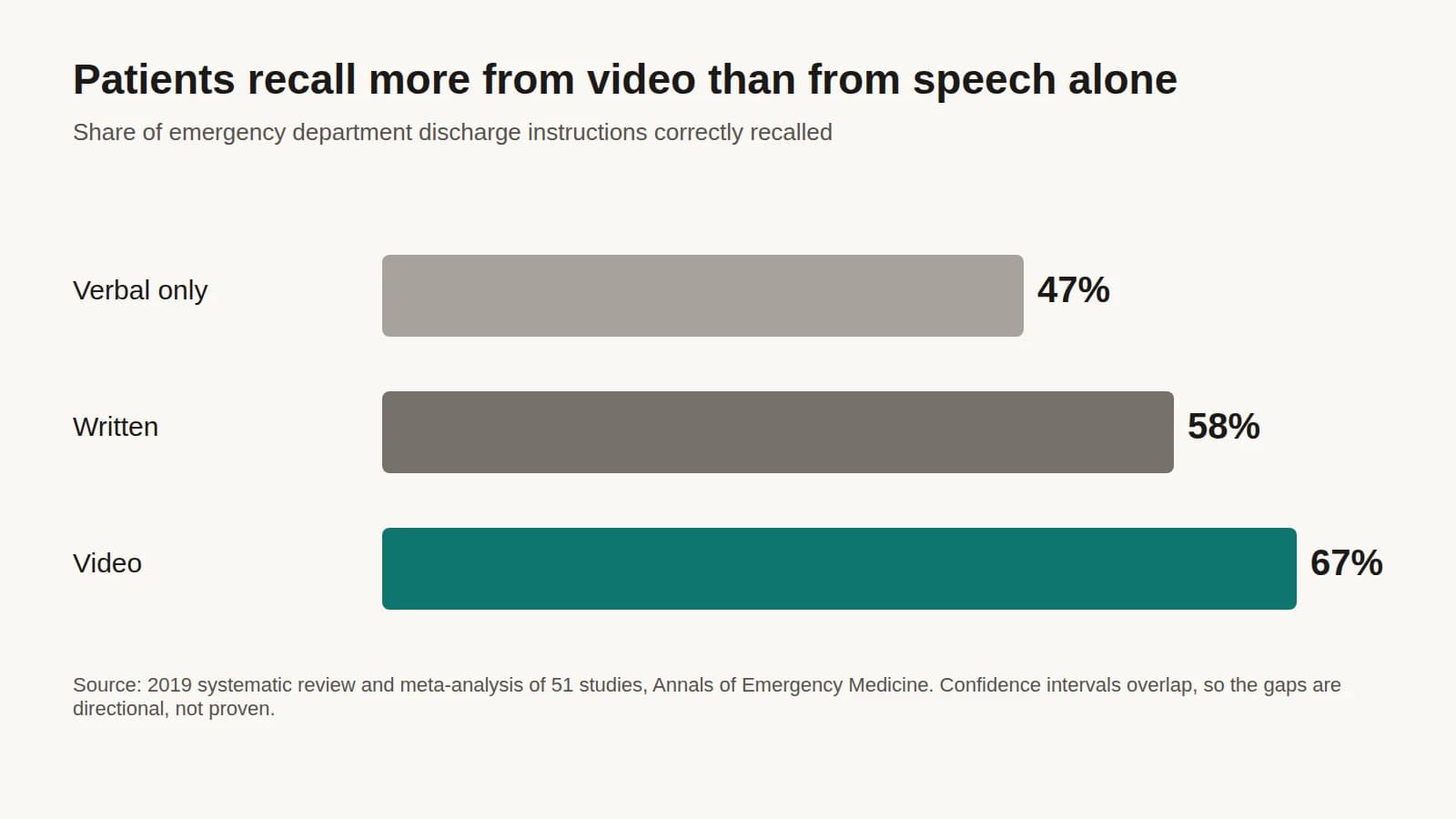
The same move works outside the classroom: patient education handouts have the same problem of one format for very different readers. For tool options beyond Jellypod, see AI tools for teachers, and for the student side of listening, see how to use an AI podcast for studying.
Frequently asked questions
What is the difference between UDL and differentiated instruction?
Differentiated instruction adjusts material for specific students or groups after a course is built. UDL plans for that variability before the course exists, so the flexibility is available to everyone from day one.
Is UDL required by law?
Not universally. The Higher Education Opportunity Act of 2008 defines UDL in federal law, but it does not require every institution to adopt it.