
Jellypod now has two new board-style explainers, Chalkboard and Blueprint, plus a clearer, more focused Whiteboard Explainer.

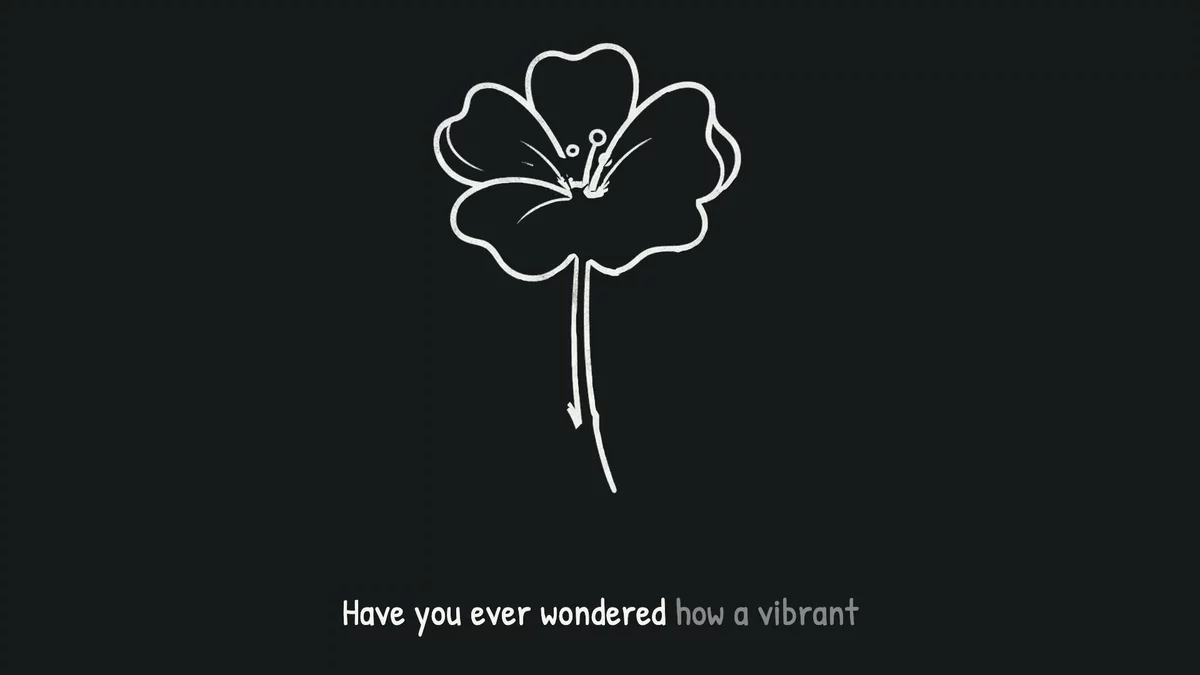
Chalkboard draws each idea in textured white chalk on a near-black canvas. It has the familiar feel of a classroom explanation, with light handwritten captions that stay easy to read.
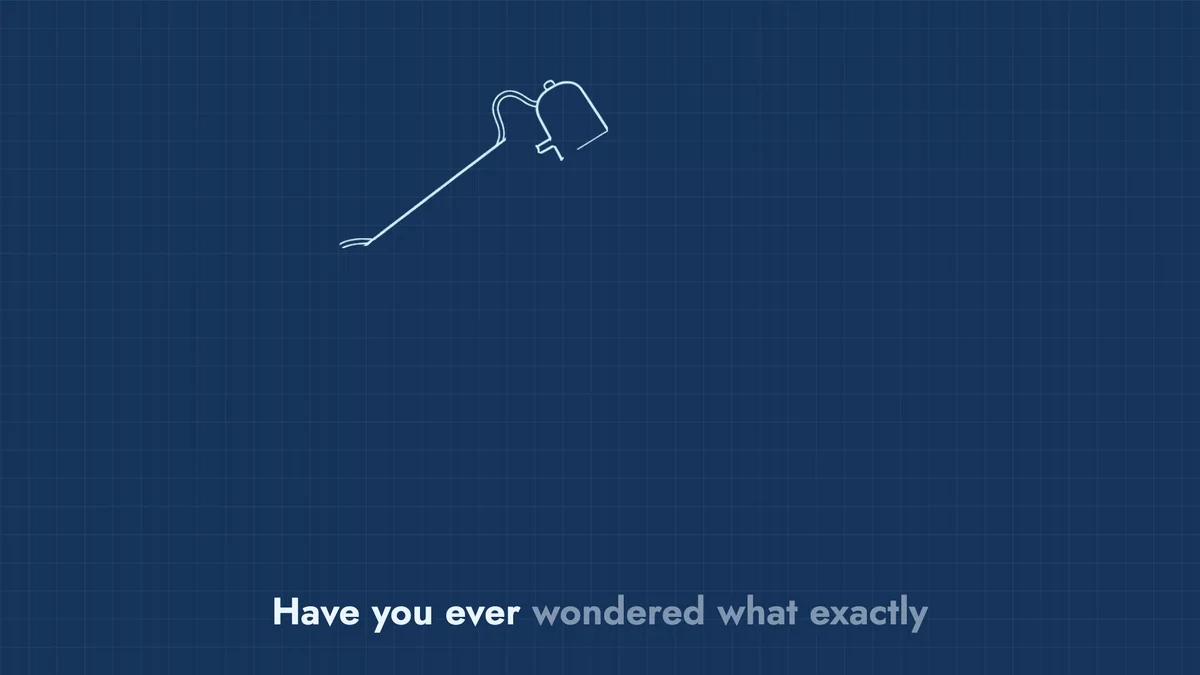
Blueprint uses white and pale-cyan drafting lines on deep blue. A stationary grid sits behind the drawing, giving diagrams, systems, and process explainers a more technical look without adding clutter.
Board scenes are easier to follow
All three board styles now stay focused on the idea that matters most. Comparisons remain in one scene when you need to see the relationship, while busy explanations break into clearer steps.
Drawings follow the narration more naturally, give you time to take in each finished scene, and keep important artwork clear of captions.
Whiteboard is clearer and more focused
Whiteboard Explainer now keeps each scene focused on one object or idea at a time. The drawing is easier to follow from start to finish, with cleaner details that make the final illustration easier to understand.
The improvements work automatically in both shorts and videos. Pick Chalkboard, Blueprint, or Whiteboard Explainer when you choose a visual style. See Creating Shorts for the full style guide, or Creating Videos for the videos workflow.