Idea to Video
Explain Any Topic in a Video
Type a topic and Jellypod writes, narrates, and draws an explainer video with a scene for every point.
Start for free. No card required.
- One Line Is Enough
- Up to Four Narrators
- 28 Visual Styles
- Word-Synced Captions
Watch an explainer Jellypod wrote
1Your idea
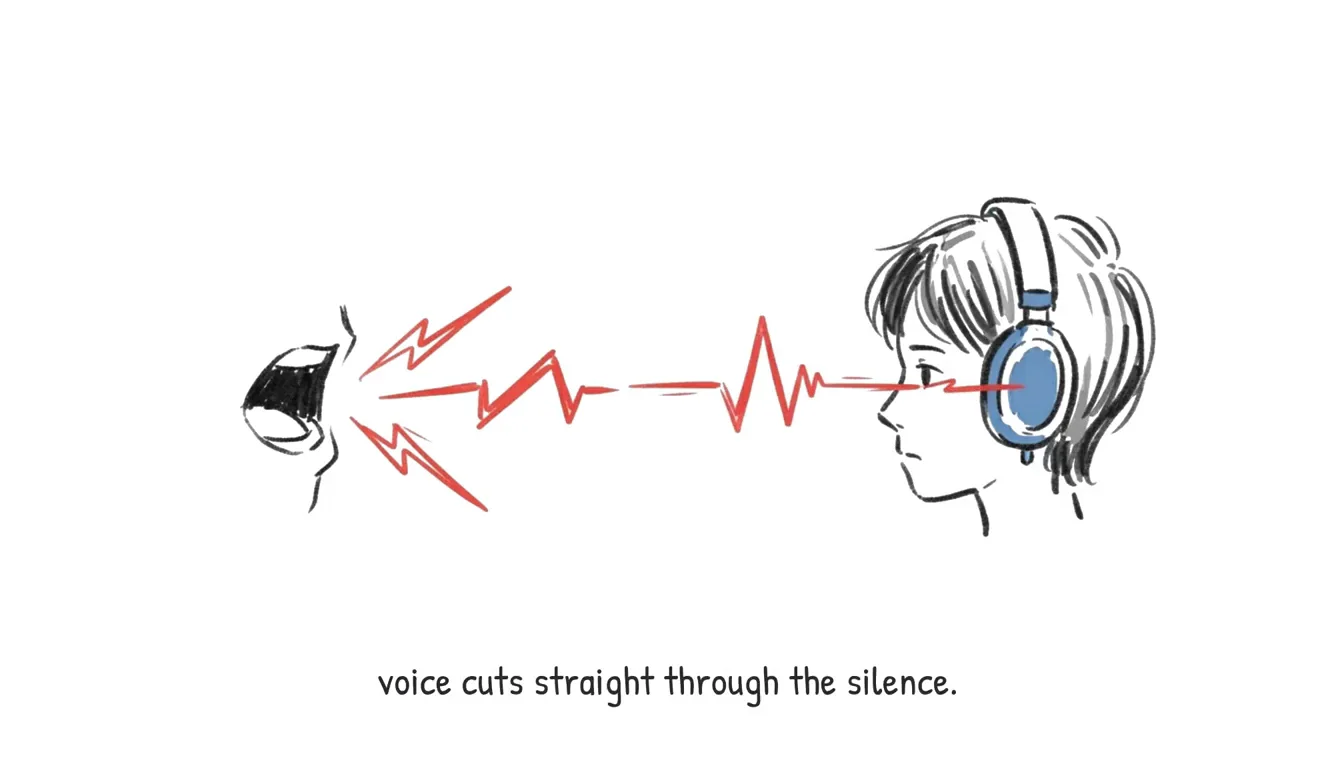
How noise-cancelling headphones work: microphones hear outside sound, the chip makes an opposite wave, and the two cancel out. Explain why it works best on steady engine hum and worst on sudden voices. For curious adults, plain language, three minutes.
- Marcus Hayes
- Whiteboard Explainer
- 3 minutes
- 16:9
2Jellypod made
A 2:44 explainer, researched, scripted, and narrated by Marcus Hayes, with a Whiteboard Explainer scene for each point and word-synced captions.
Real Jellypod output. The player shows the first minute.
How to make a video from an idea
- 1
Type your idea
One line about your topic is enough.
- 2
Pick narrators and a style
Choose up to four narrators, a visual style, and the length.
- 3
Download the video
Jellypod writes, narrates, and draws every scene. Download the MP4.
Jellypod researches and writes
Jellypod researches your topic and writes a script for the length you pick.
- Ground it in your own links and files
- 121 languages
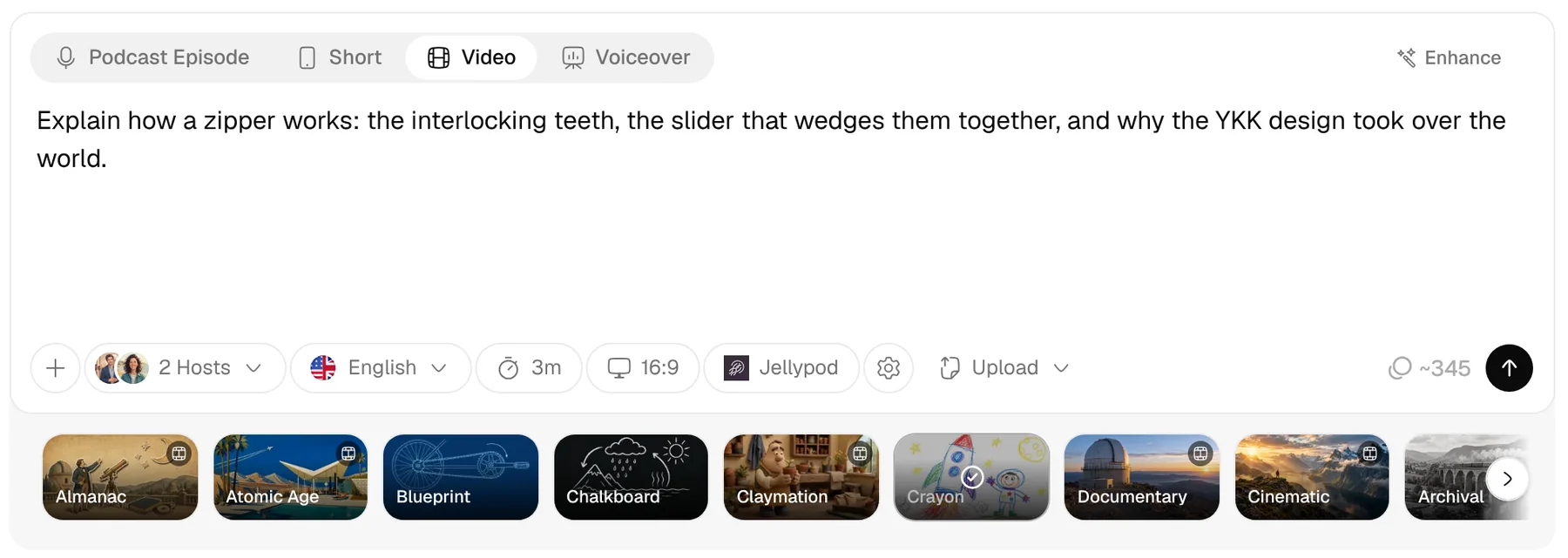
A drawn scene for each point
Every scene is drawn in one of 28 styles, from Whiteboard Explainer to Documentary.
- No stock footage and no avatars
- Your brand kit on every frame
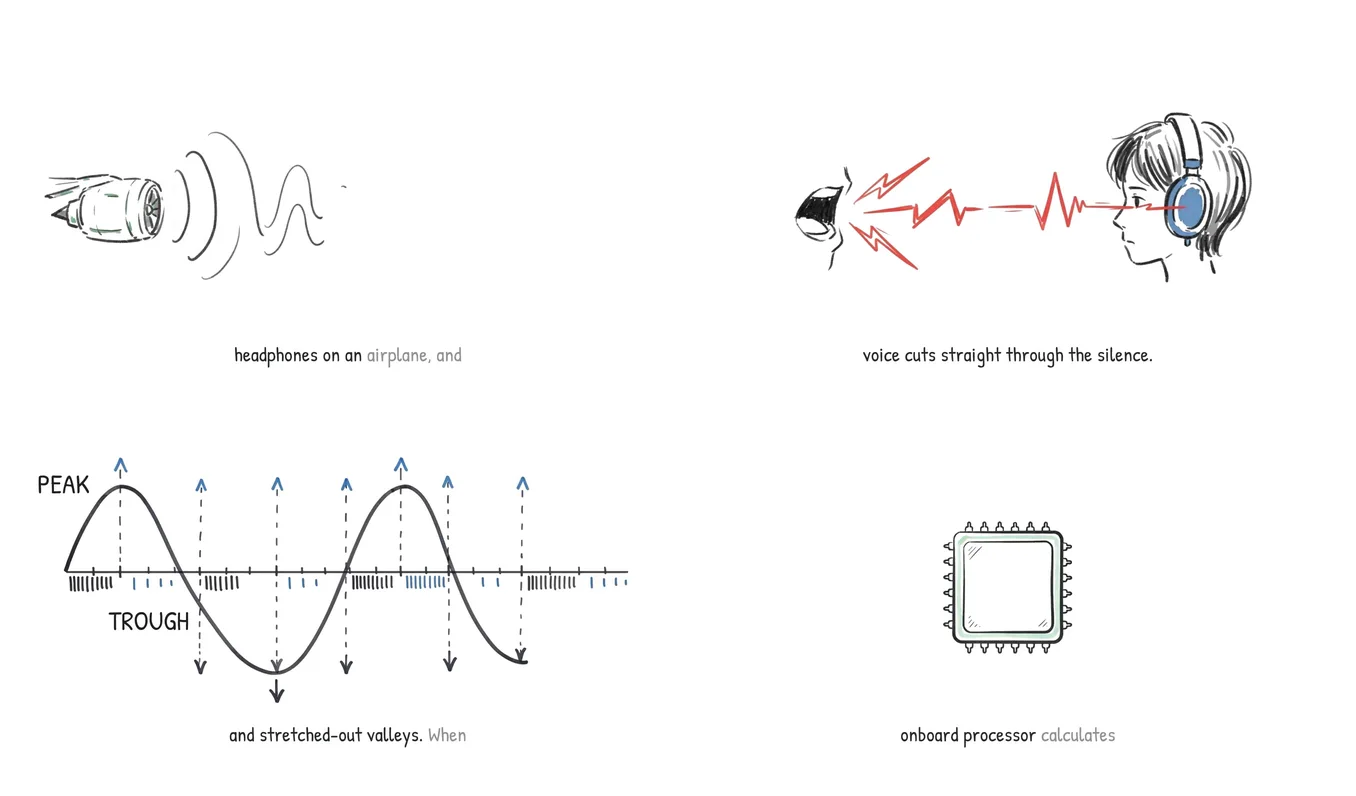
Edit lines and scenes
Change a line and only that line is re-voiced. Regenerate any single scene.
- Add intro, background, and outro music
- Download a 1080p MP4
4.7out of 5 on G2












Idea to Video FAQ
How do I turn an idea into a video?
Can I base the video on my own material?
How long can the video be?
Can I edit the script after the video is made?
Can the video be in another language?
What if I already have a script?
Last updated November 9, 2026
More workflows
All workflowsAudio to Video
VideosYour voice recording becomes a captioned video with matching visuals. Under 3 minutes makes a short.
How it worksScript to Video
VideosYour hosts voice your script word for word, with visuals and captions on every line.
How it worksSlides or PDF to Voiceover Video
VideosEach page stays on screen while your host narrates it.
How it works
Make your first podcast or video
Turn any idea, document, or link into a podcast or video, in your own voice and 121 languages.