New: Stickman videos

Direct YouTube Publishing

by Pierson Marks·
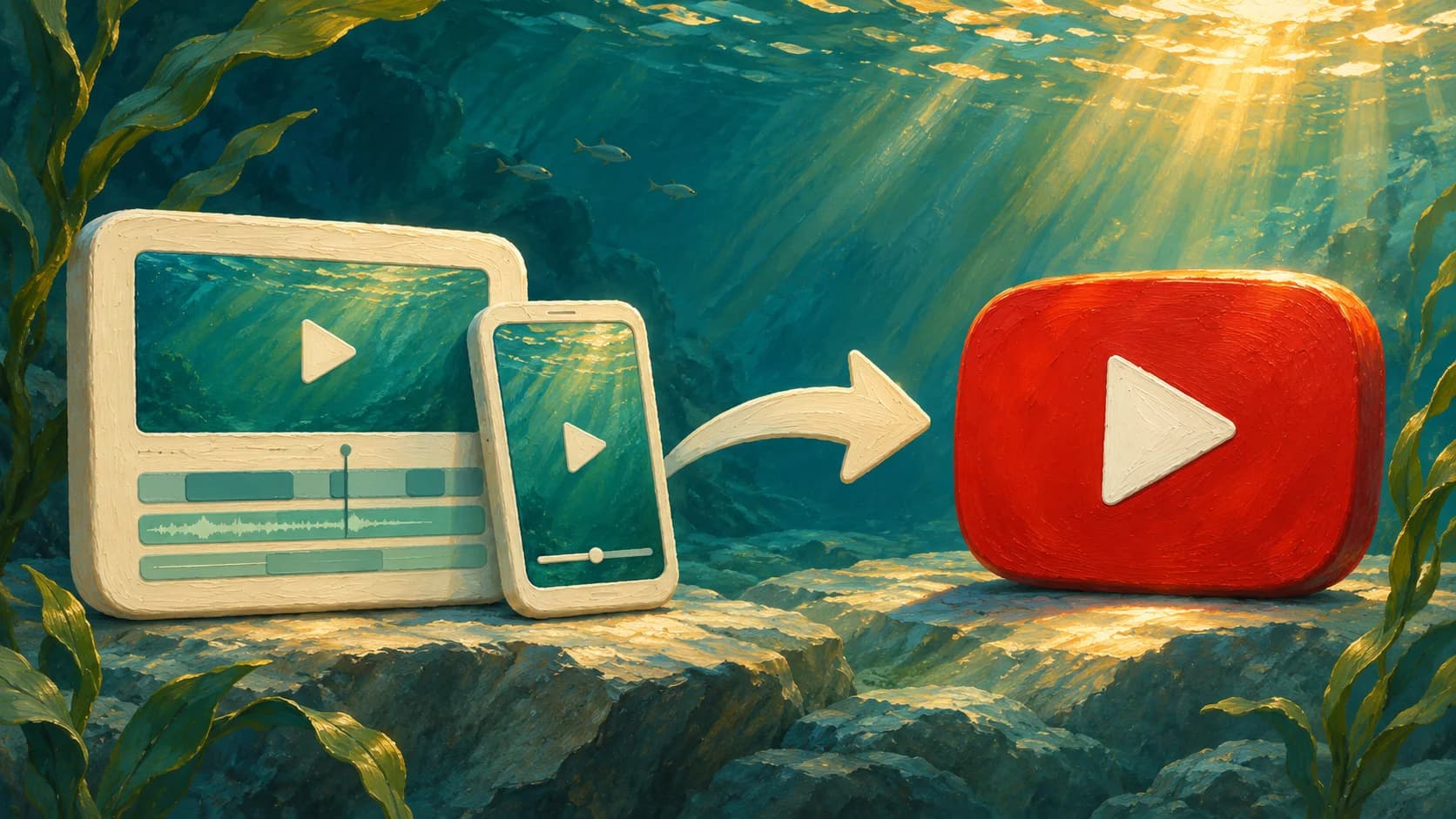
Landscape and portrait video cards connected by an arrow to a red YouTube play button in a sunlit underwater scene.

You can now publish Videos and Shorts directly to YouTube from Jellypod.

Finish your video, review its title, description, and visibility, then publish it to your connected YouTube channel from the editor. You can take a video from script to YouTube without downloading and uploading the file yourself.

Connect your account in Settings → Channels, then open a Video or Short and choose Publish to YouTube from the Publish menu. See the YouTube publishing guide for the full walkthrough.
More updates

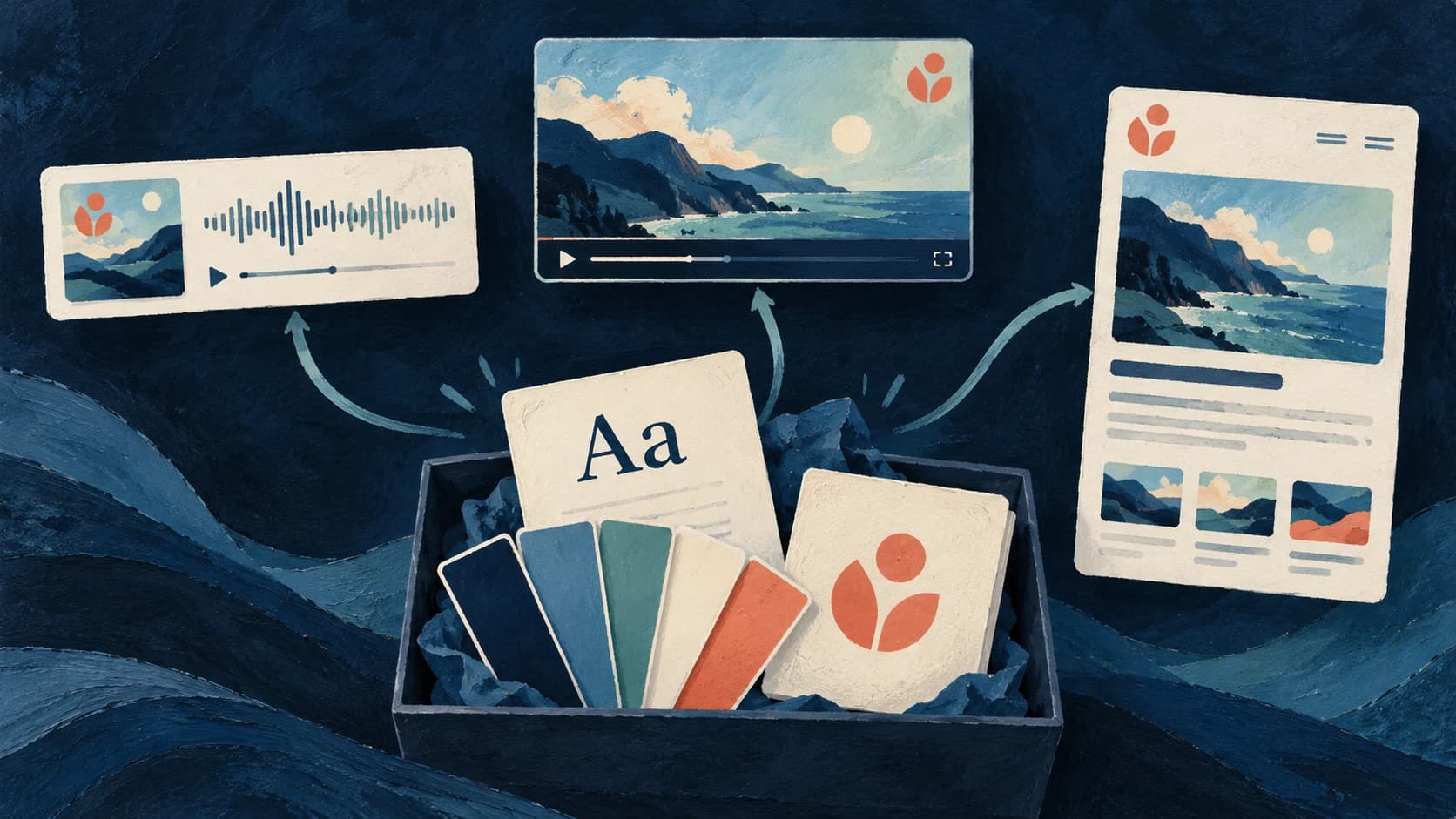
A painted brand kit with fonts, color swatches and a logo connecting to matching podcast, video and website designs
by The Jellypod Team

Brand Kit Fonts, Logos, and Defaults

Bring your fonts, logo and colors to episode videos, captions and your podcast website, with defaults you can reuse.

October 24, 2026

Product Updates
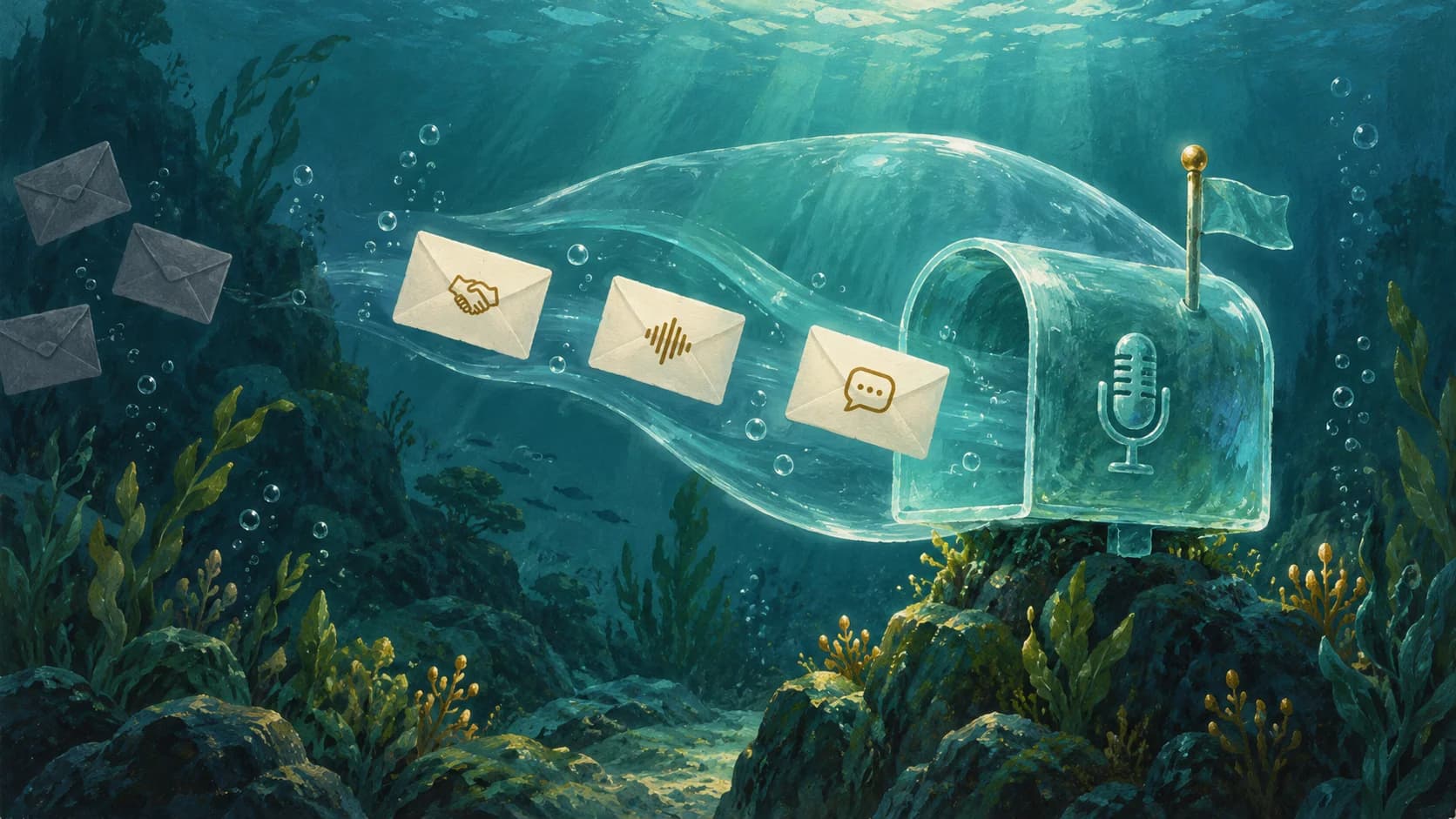
Selected envelopes flow into a protected glass mailbox with a microphone symbol in an underwater gouache scene.
by The Jellypod Team

Choose Which Podcast Emails Reach You

Receive sponsorship inquiries, listener feedback, and podcast updates through your privacy address, with one set of preferences for all your podcasts.

October 14, 2026

Product Updates
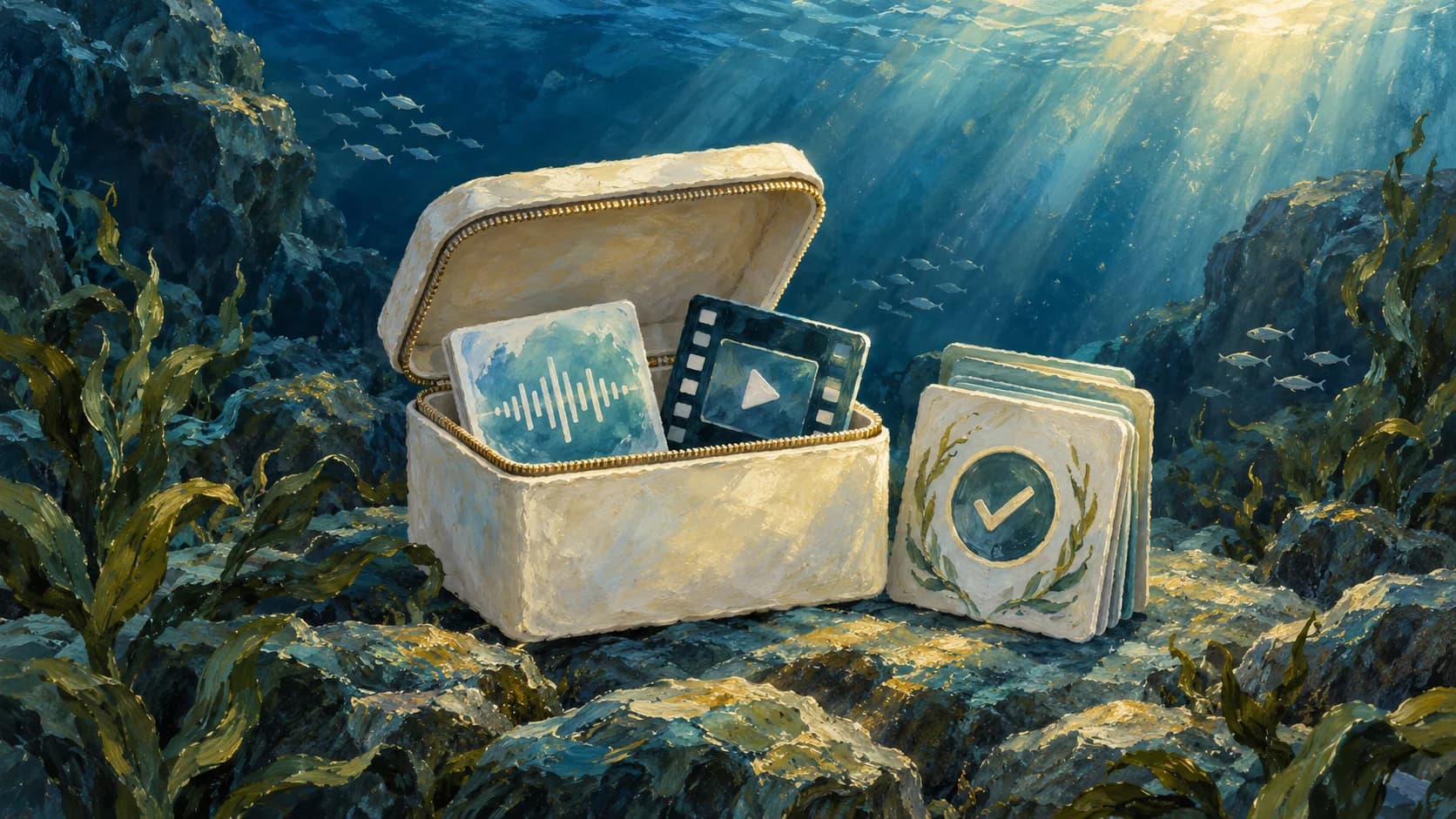
An underwater archive box holding audio and video cards beside learning cards with a completion check.
by Pierson Marks

SCORM Exports for Podcasts and Videos

Bring your training podcasts and videos into your LMS with learner progress, completion tracking, and resume.

October 12, 2026

Product Updates

Start creating with Jellypod today

Turn any idea, document, or link into editable, high-quality podcasts and videos. Reach global audiences in your own voice, in 121 languages.