New: Stickman videos

Add Your Podcast's Spotify Link

by Pierson Marks· ·

After you finish setting up third-party distribution, you can now add links to your podcast on those streaming platforms like Spotify, Apple Podcasts, YouTube, and Amazon Music.

Head to your podcast dashboard, connect your platform URLs, and they will automatically appear in the "Listen" section of your Jellypod-hosted podcast website.

Your listeners no longer have to hunt for your show on their preferred app. Every connected platform shows up as a clear, clickable badge on your podcast site, making it effortless for your audience to subscribe wherever they already listen.
More updates

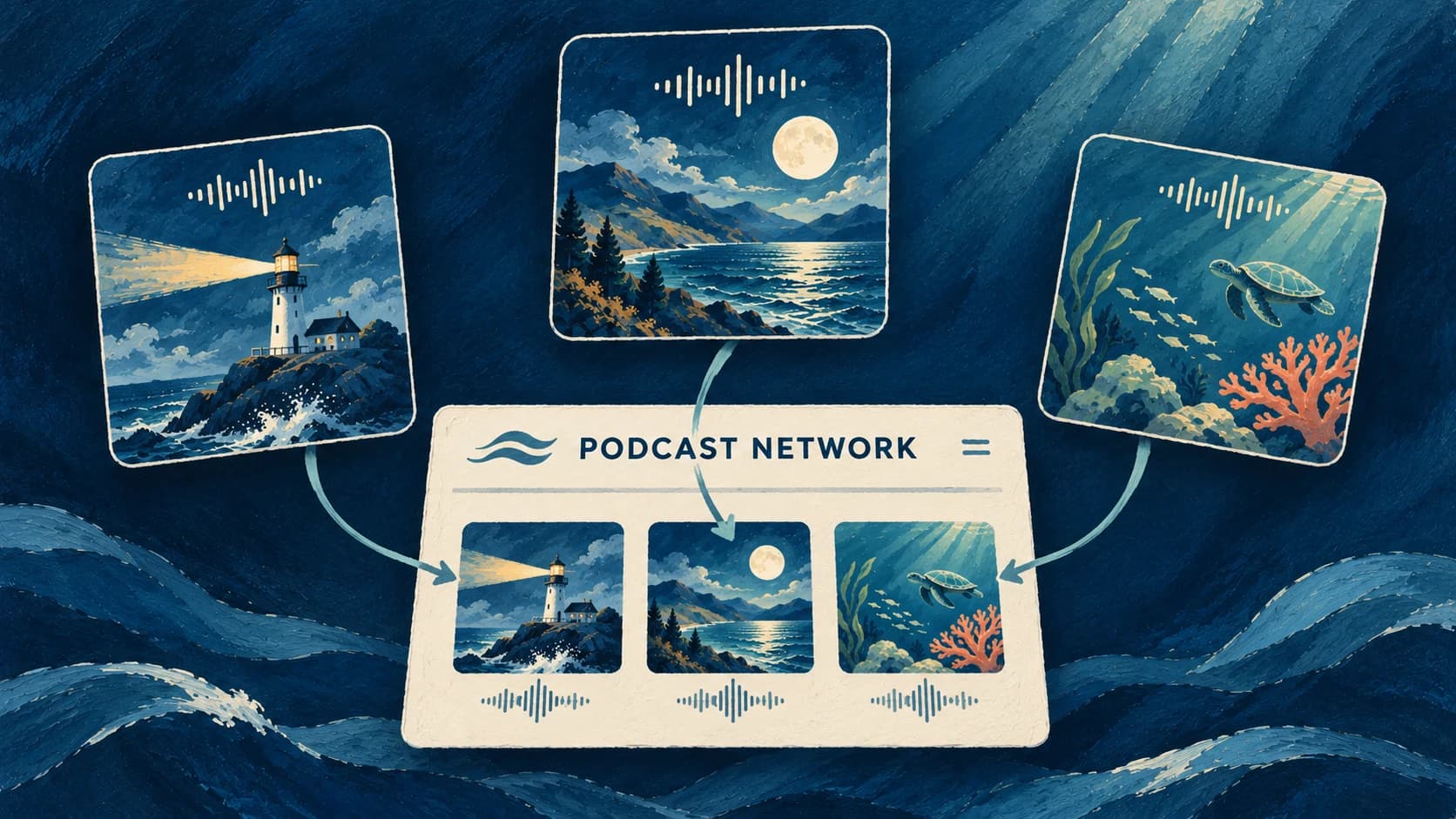
Three ocean-themed podcast covers connected to one network website in a deep blue gouache illustration.
by Pierson Marks

Podcast Networks

Give listeners one branded website to discover your podcasts and their latest episodes.

November 3, 2026

Product Updates
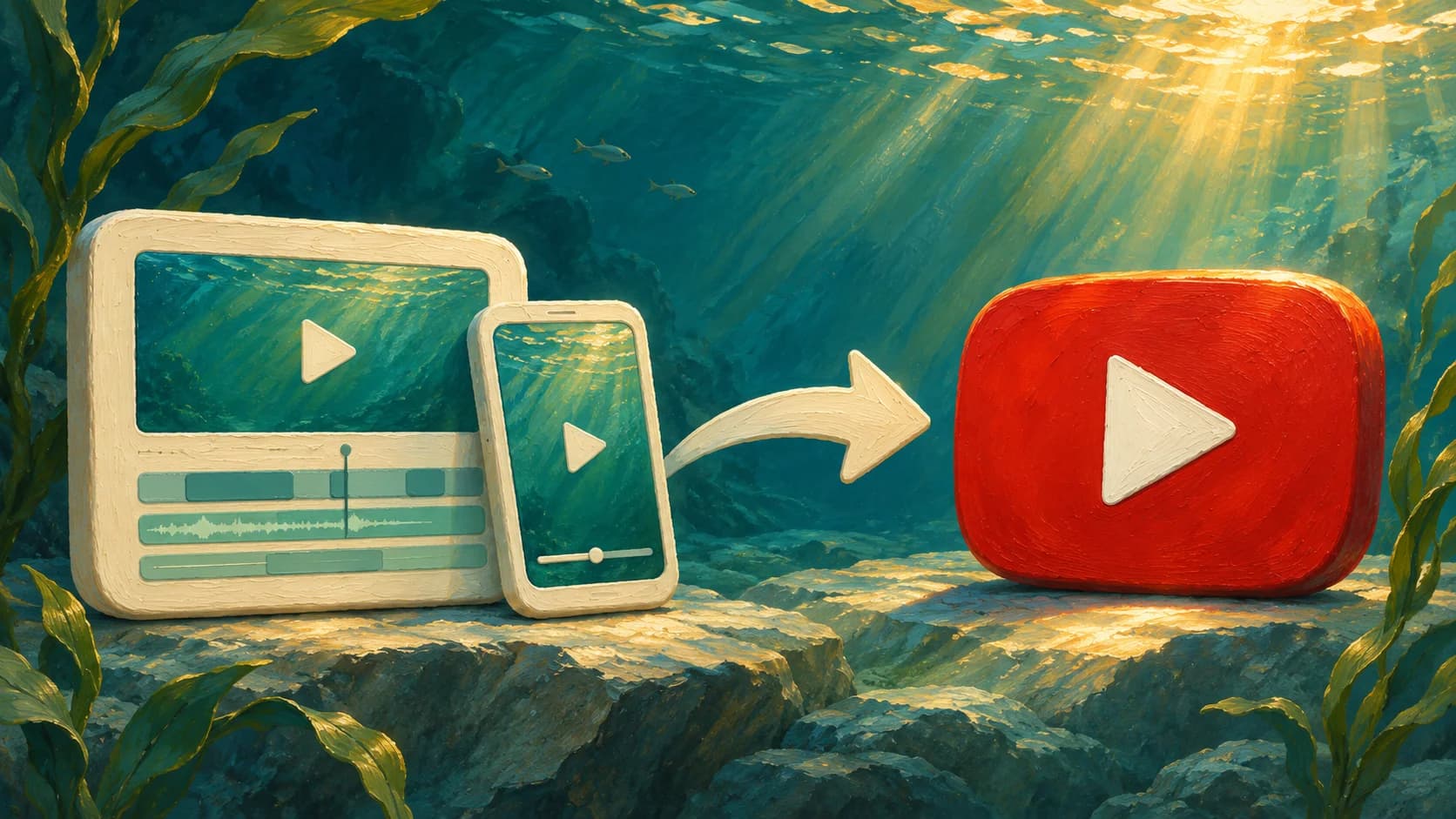
Landscape and portrait video cards connected by an arrow to a red YouTube play button in a sunlit underwater scene.
by Pierson Marks

Direct YouTube Publishing

Send Videos and Shorts to your YouTube channel directly from the Jellypod editor.

November 2, 2026

Product Updates
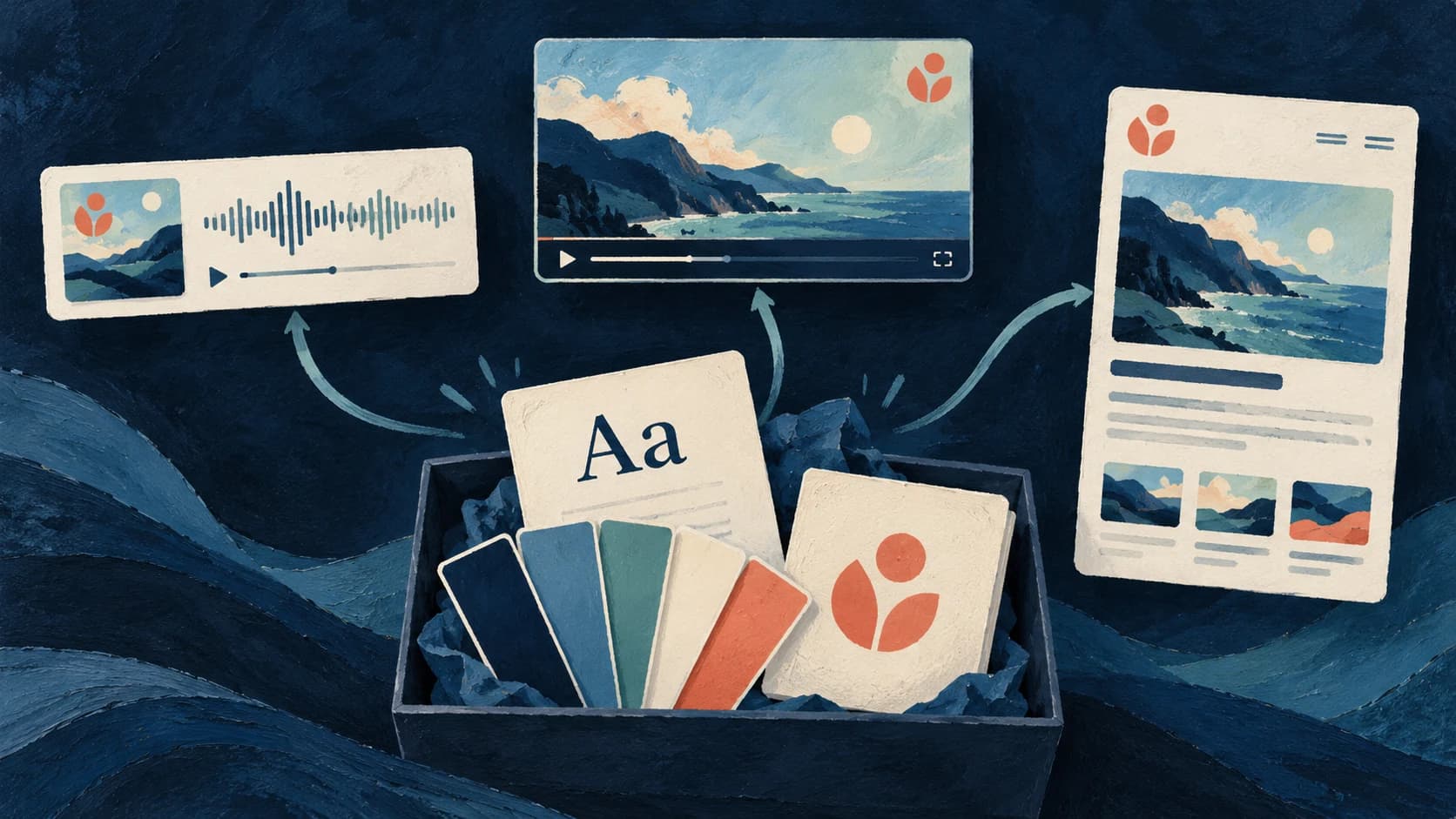
A painted brand kit with fonts, color swatches and a logo connecting to matching podcast, video and website designs
by The Jellypod Team

Brand Kit Fonts, Logos, and Defaults

Bring your fonts, logo and colors to episode videos, captions and your podcast website, with defaults you can reuse.

October 24, 2026

Product Updates

Start creating with Jellypod today

Turn any idea, document, or link into editable, high-quality podcasts and videos. Reach global audiences in your own voice, in 121 languages.