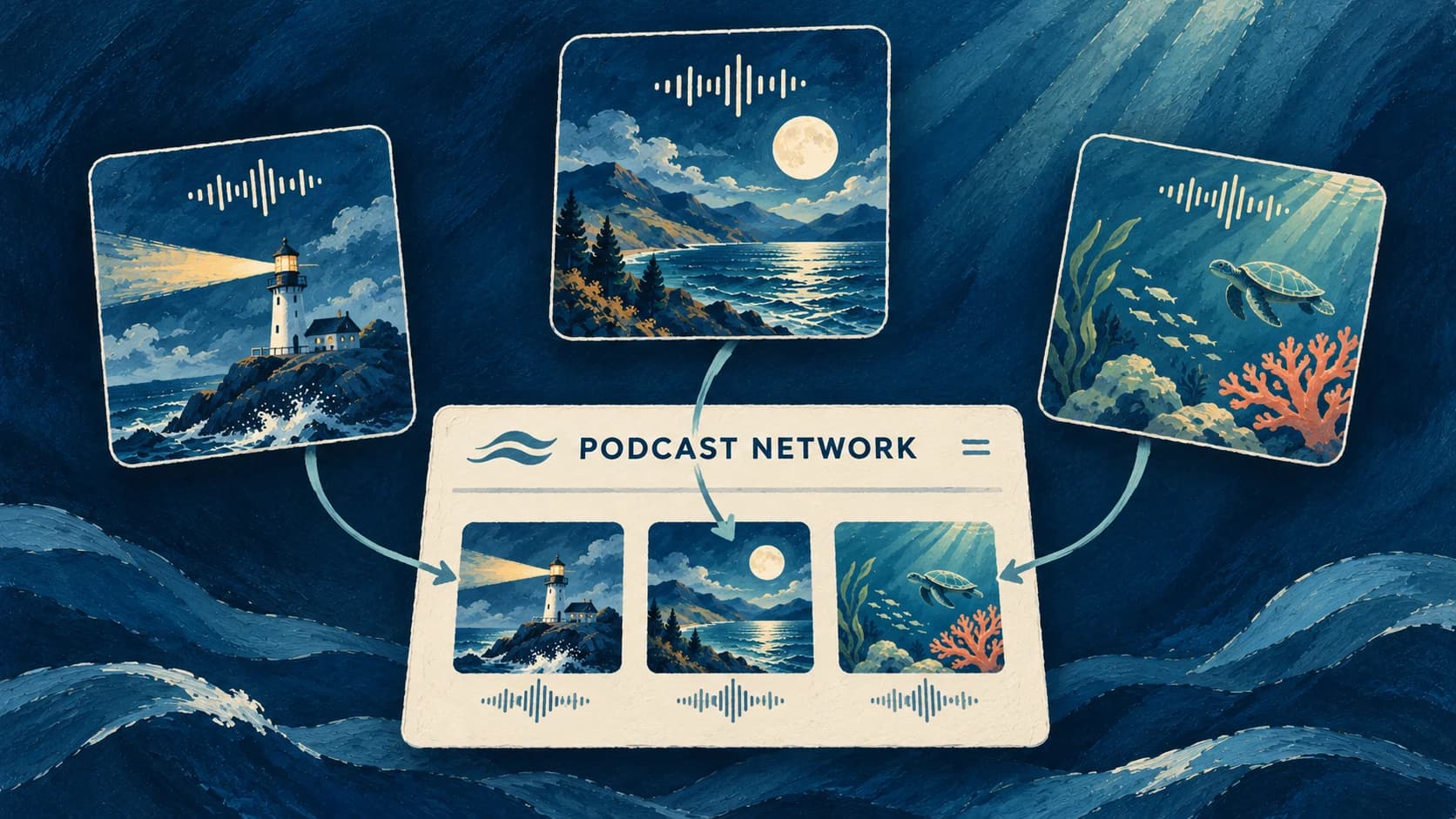
You can now group your podcasts into a Podcast Network in Jellypod, with a shared brand and an included website.
If you publish a different podcast for each course, give students one address to browse them all. Your network website brings together your public podcasts and their latest published episodes. Add a logo, description and Brand Kit, and preview the site as you edit.
Each network gets its own Jellypod address, such as your-network.jellypod.com. Creator includes one network per organization, and Business includes five networks.
Open Podcasts in Studio and choose New Network to get started. See the Podcast Networks guide for the walkthrough.