New: Stickman videos

Shared Episode Visibility Toggle

by Pierson Marks· ·

You can now control whether a shared episode link is public or private.

When you open the share dialog on a draft or scheduled episode, you’ll see a new Link Visibility dropdown. The first time you share an episode, it defaults to public. Your link is live and shareable immediately.

If you’d rather keep it under wraps, switch to private and the social sharing buttons and copy-link input disable themselves. No one can grab a working link until you’re ready.

Previously, any draft episode link was accessible to anyone who had the URL. That made it tricky to share work-in-progress episodes with collaborators without risking premature public access. Now you decide exactly when an episode link goes live and you can revoke access just as easily by flipping it back to private.
More updates

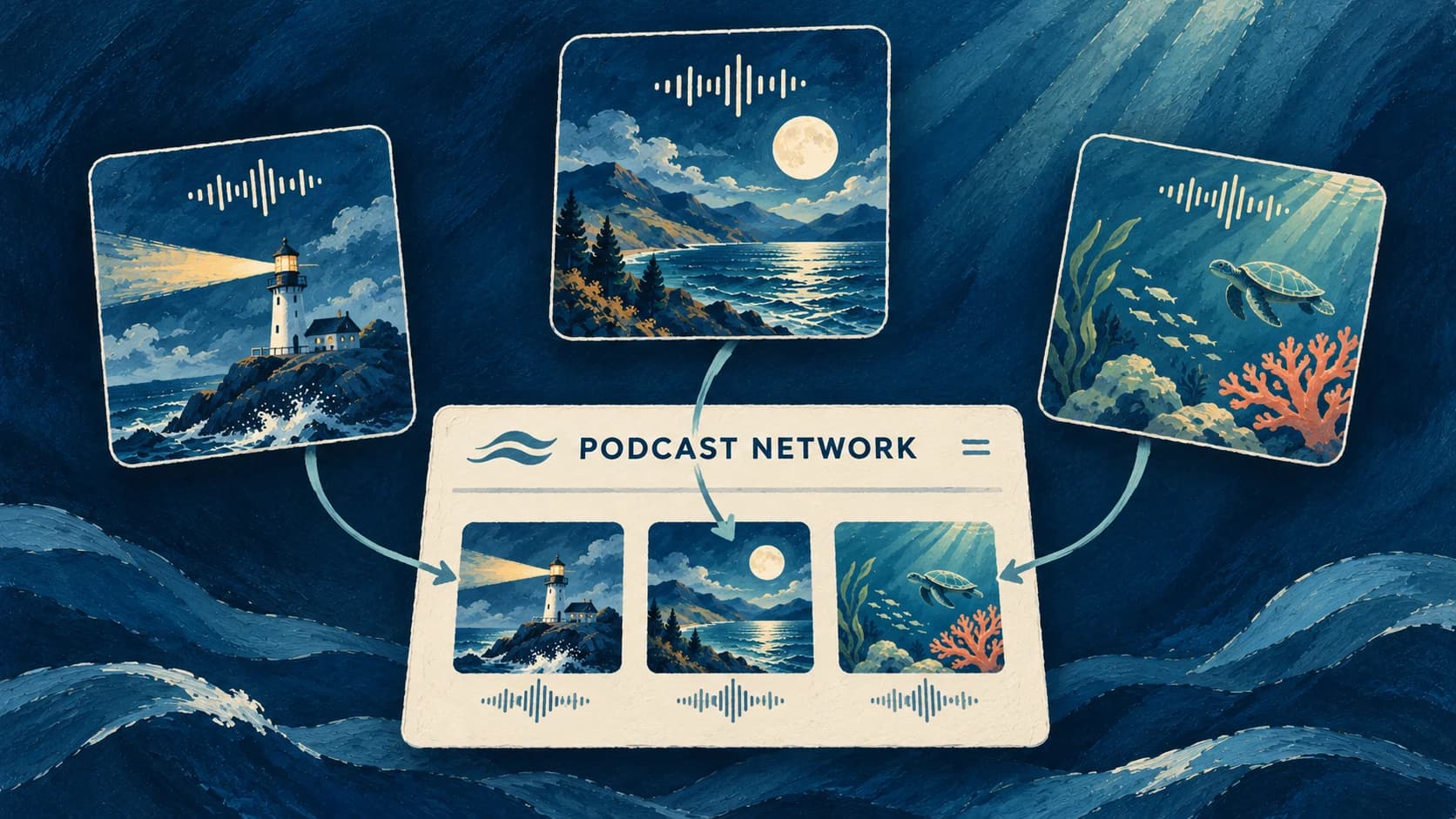
Three ocean-themed podcast covers connected to one network website in a deep blue gouache illustration.
by Pierson Marks

Podcast Networks

Give listeners one branded website to discover your podcasts and their latest episodes.

November 3, 2026

Product Updates
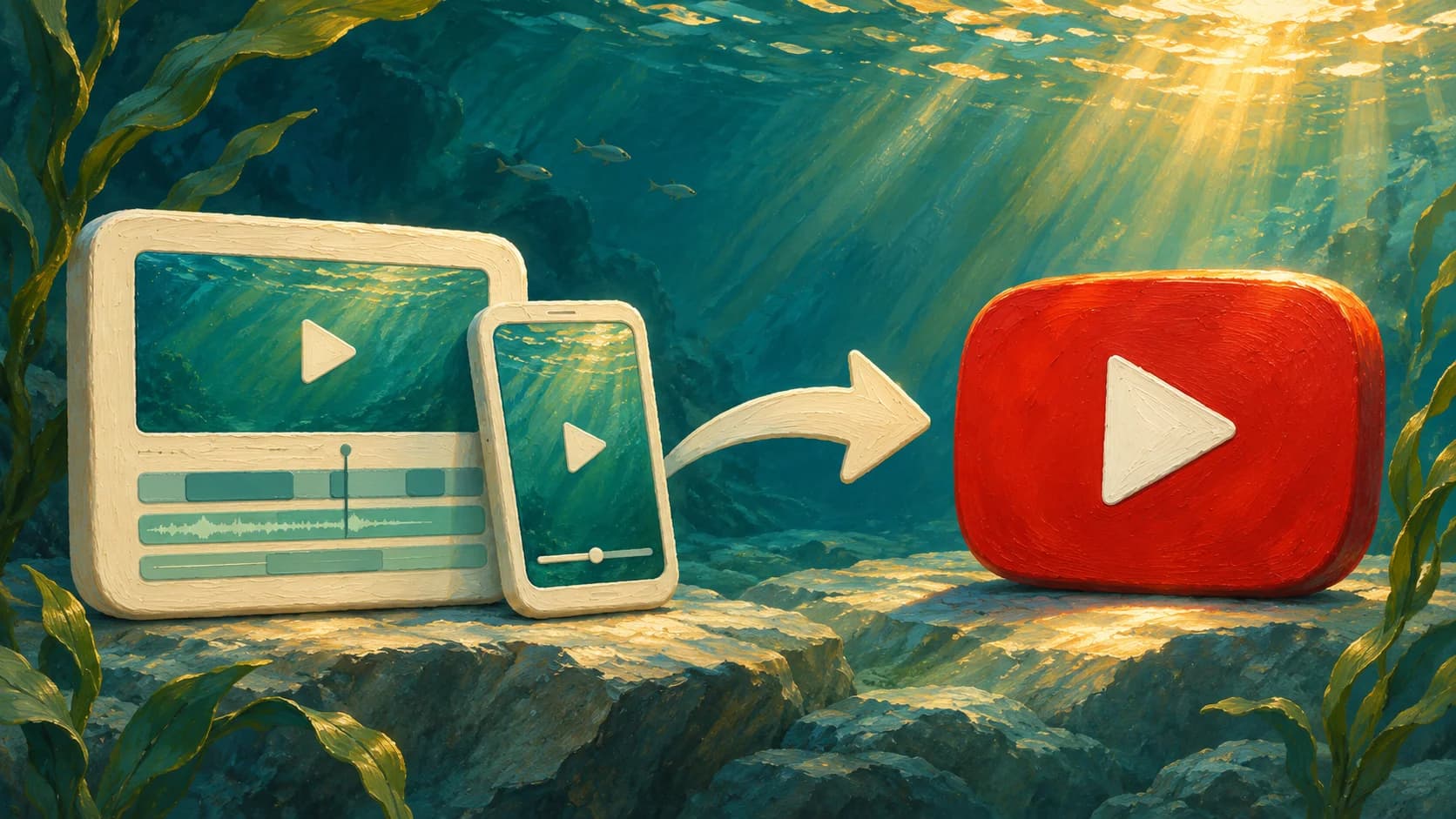
Landscape and portrait video cards connected by an arrow to a red YouTube play button in a sunlit underwater scene.
by Pierson Marks

Direct YouTube Publishing

Send Videos and Shorts to your YouTube channel directly from the Jellypod editor.

November 2, 2026

Product Updates
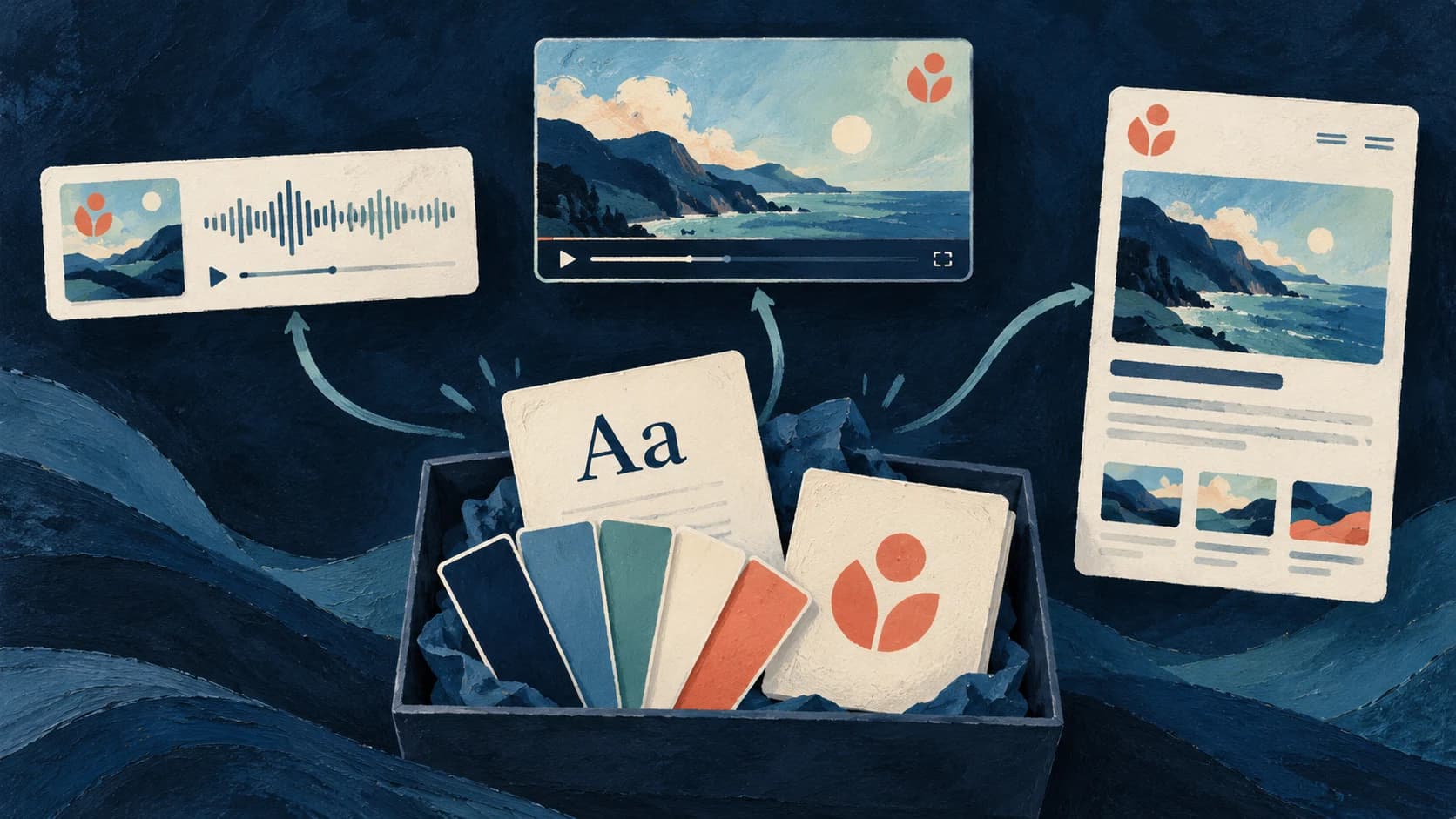
A painted brand kit with fonts, color swatches and a logo connecting to matching podcast, video and website designs
by The Jellypod Team

Brand Kit Fonts, Logos, and Defaults

Bring your fonts, logo and colors to episode videos, captions and your podcast website, with defaults you can reuse.

October 24, 2026

Product Updates

Start creating with Jellypod today

Turn any idea, document, or link into editable, high-quality podcasts and videos. Reach global audiences in your own voice, in 121 languages.