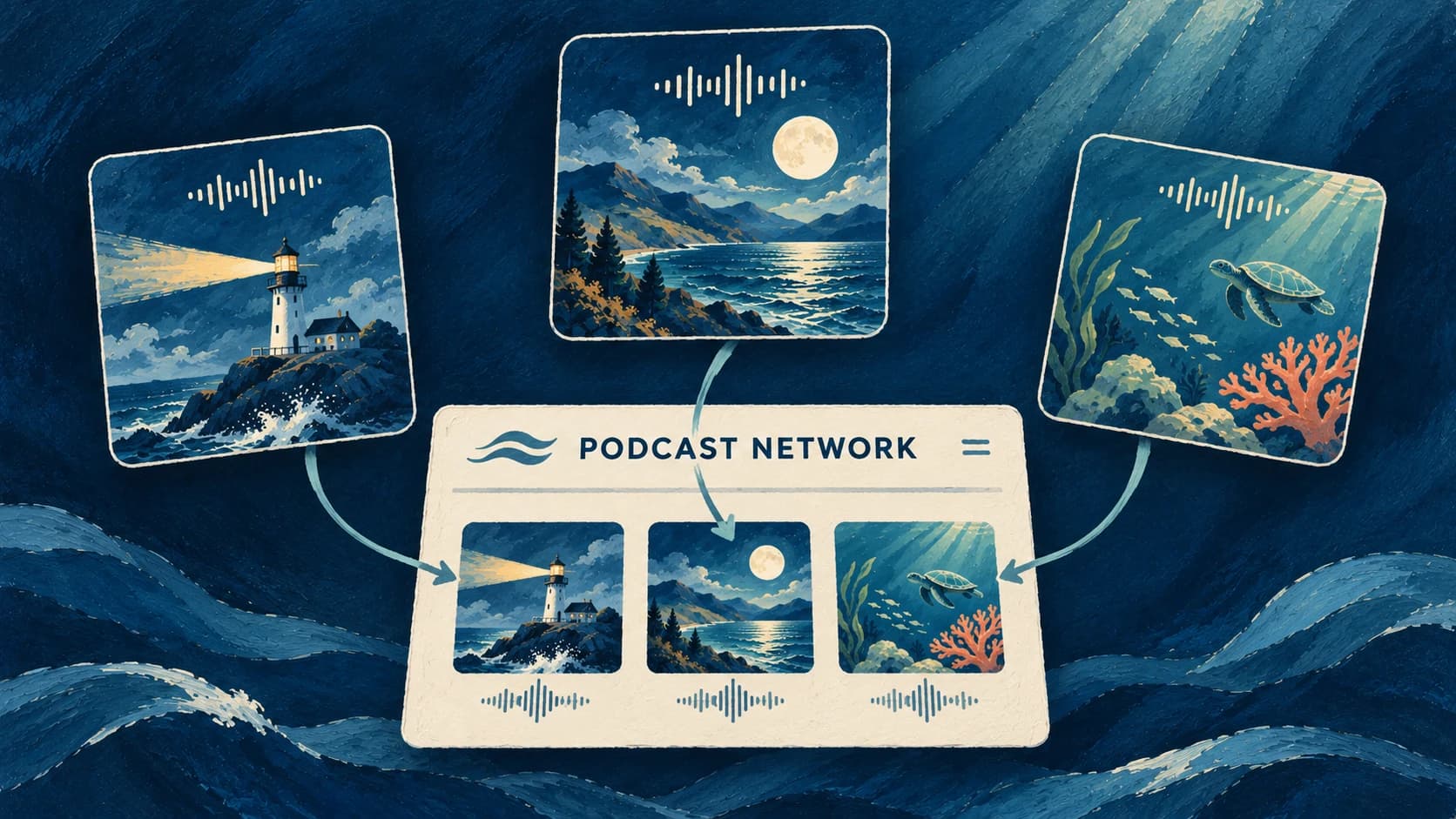
We know that fine-tuning your episode is key to producing high-quality, professional content. That’s why we’re excited to introduce Transcript Editing—a powerful new feature that ensures your podcast sounds exactly the way you want it to.
How It Works
Once your episode's script is created, a text editor will appear on the right-hand side, where you can:
- Add or Remove Host Speech Blocks
Seamlessly adjust your script’s flow by inserting new sections or trimming unnecessary parts. - Correct AI Quirks
Fix any inaccuracies or rephrase sections to match your unique style and tone. - Add Personal Touches
Use [brackets] to insert interjections like "Mhms", giving your podcast a natural and conversational feel.
Why You'll Love It
- Creative Control: Fine-tune every word for a polished, professional result.
- Flexible Adjustments: Perfect your episodes without starting from scratch.
- Realism and Depth: Bring a human touch to AI-powered podcasts, making them feel authentic and engaging.
What’s Next?
We’re working on even more enhancements, including AI-powered editing suggestions. Stay tuned as we continue to improve your podcasting experience!