Turn a podcast into a video
4.6out of 5 on G2












Keep the voices, or re-voice the file
An episode in Jellypod keeps its voices in one of six templates. A file from outside is transcribed, and a host re-voices it over drawn scenes.
Last updated October 25, 2026
How to turn a podcast into a video
Step 01
Episode already in Jellypod
Open the episode and pick one of the six templates. Landscape, portrait, or square.Step 02
Recording from outside
Upload the MP3, M4A, or WAV on audio to video. A host re-voices it over drawn scenes.Step 03
Download the MP4
YouTube RSS is audio and cover art. Upload the file if you want the picture.
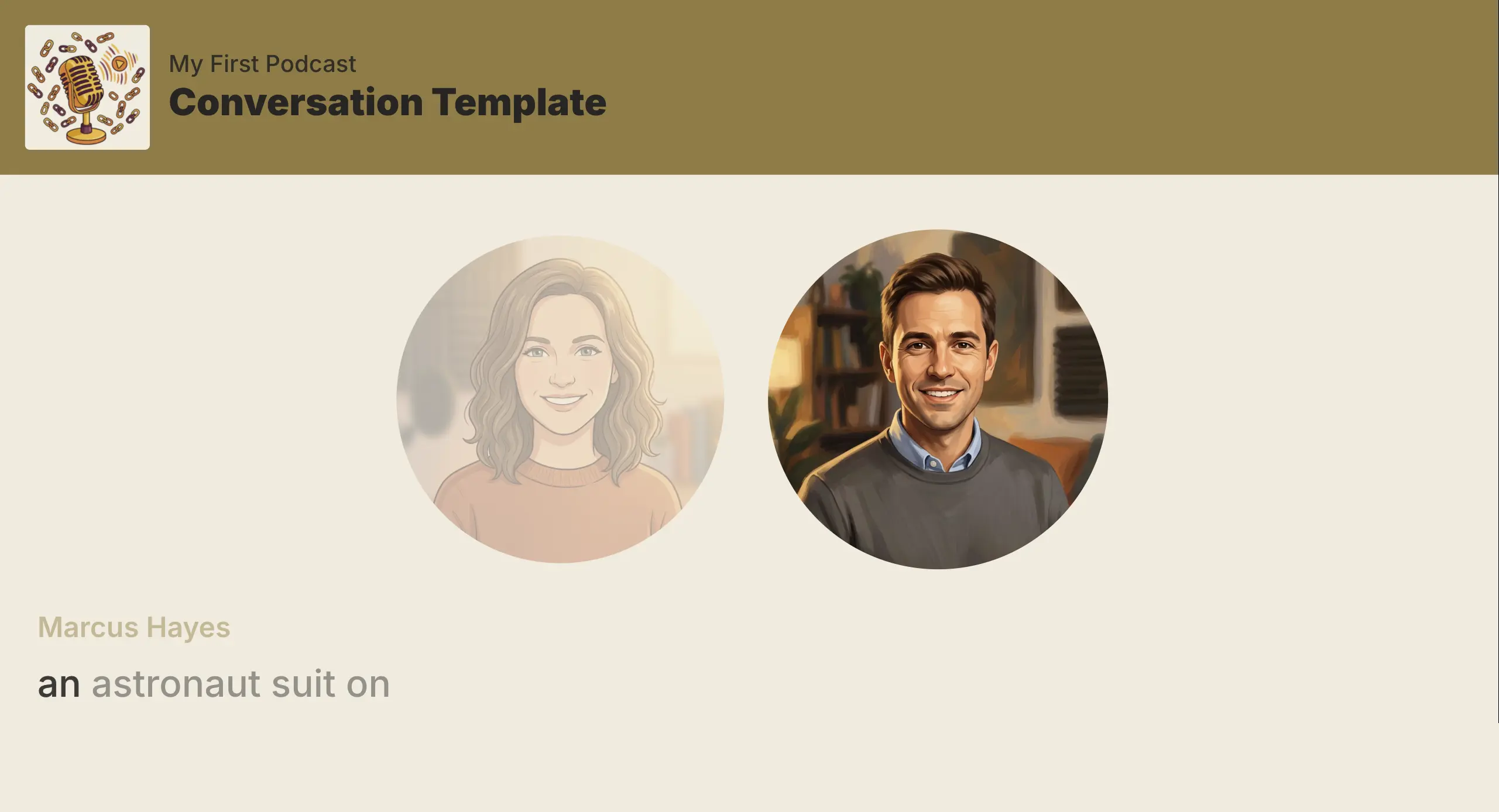
Six templates keep the episode audio
Conversation, Classic Audiogram, both caption layouts, Spotlight, and Karaoke. The episode audio stays.
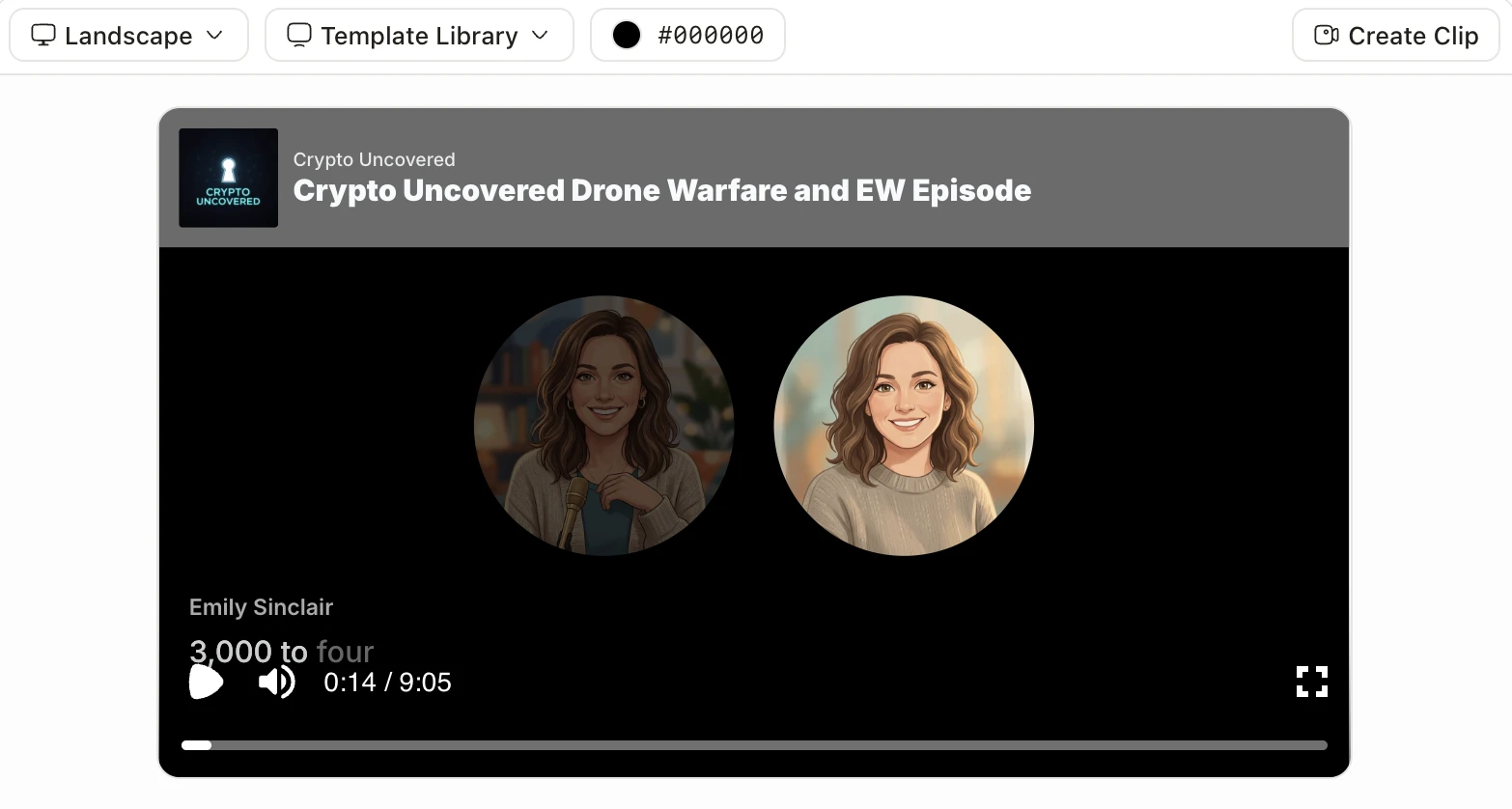
Magic Video stays separate
Create Video, in the banner above the templates, reuses the narration and makes a separate video you can edit.
Who uses Podcast to Video
A show moving to YouTube
An episode you already host, with its voices kept.Audio you recorded elsewhere
A recording from another tool, re-voiced over scenes.
FAQ
How do I turn a podcast into a video in Jellypod?
Do video templates keep the original voices?
What if the recording was not made in Jellypod?
Does the podcast RSS feed send the MP4 to YouTube?
Discover more
Explore related tools
More from Jellypod
How to Make a Video Podcast Without a Camera
Make a video podcast with no camera. Episode templates keep an episode already in Jellypod. The audio to video tool has a host retell an upload over illustrated scenes.
Read moreConversation Video Template
Put your hosts on screen side by side with the new Conversation video template, where each avatar pulses as that host speaks.
Read moreIntroducing Audiograms
Turn your AI podcast into a YouTube-ready video with Jellypod Audiograms. Add visuals and subtitles to expand your reach with no video editing.
Read more
Finish the full video in Jellypod
Start free with 500 credits. No credit card required. Paid plans include a 7-day free trial.
Download the MP4
Upload the MP4 yourself if you want the picture on YouTube.