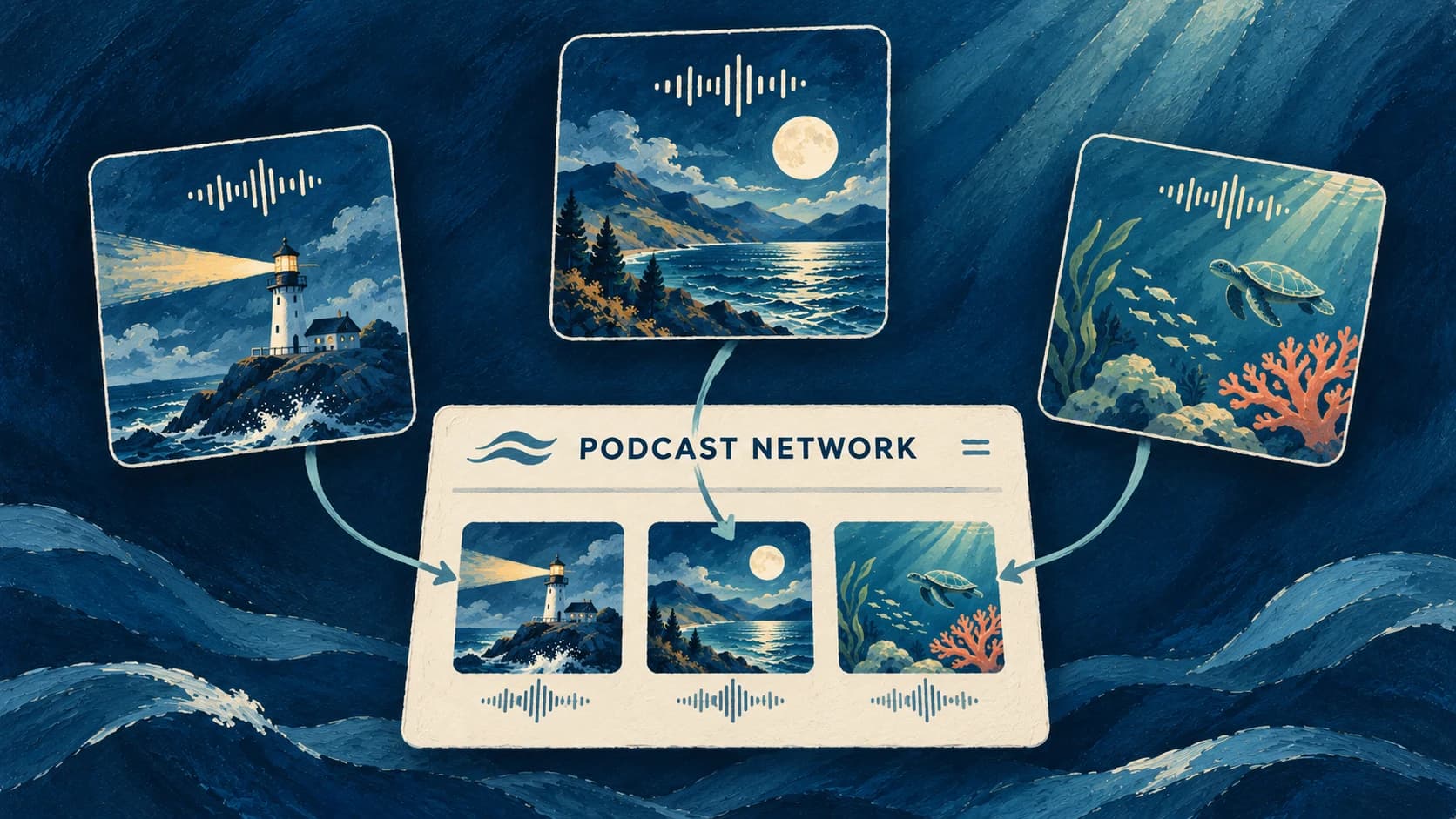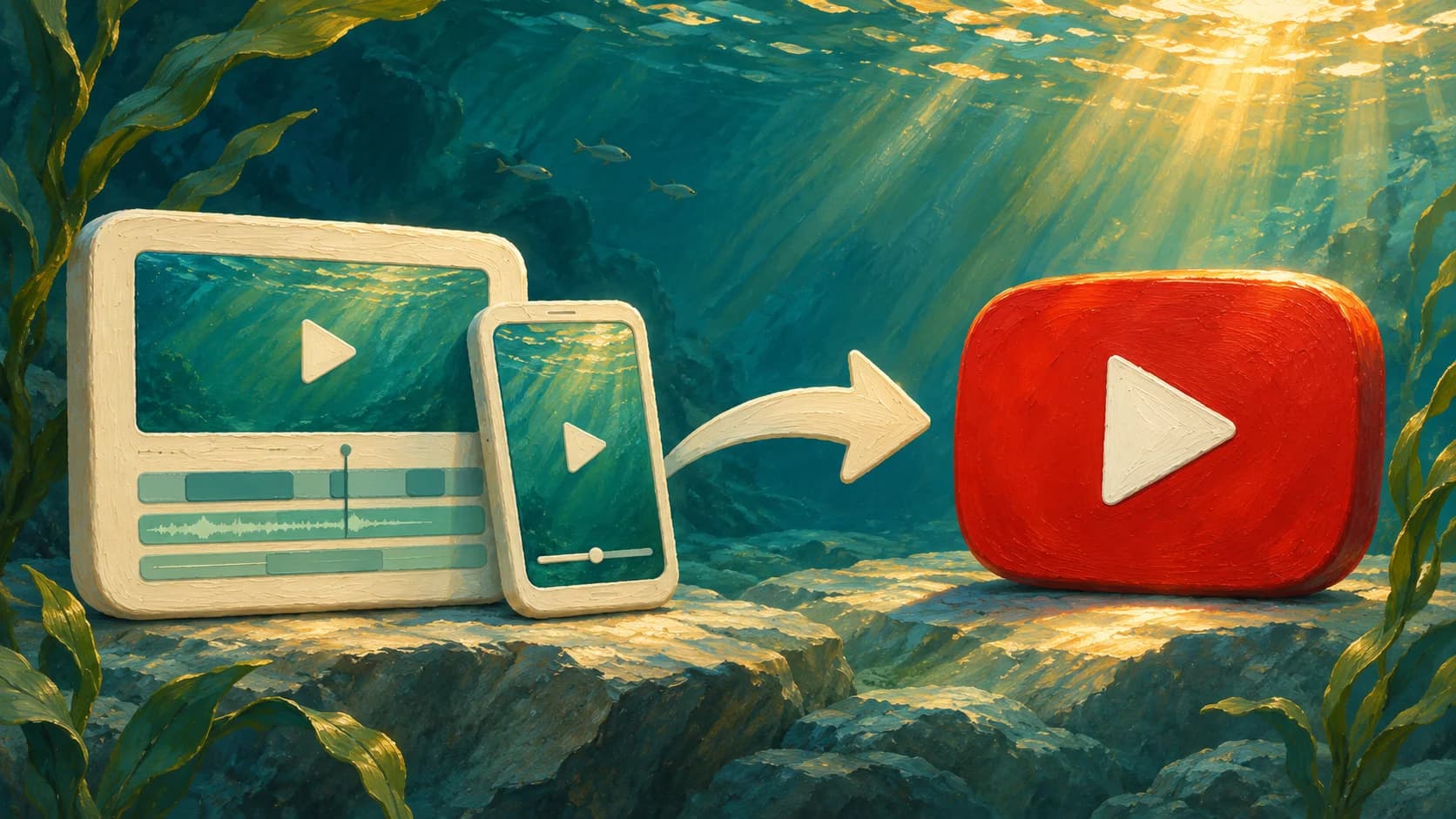
You can now connect your Buffer account to Jellypod and share Videos and Shorts on TikTok, LinkedIn, YouTube, and other platforms supported by Buffer.
Finish your video in Jellypod, then publish to the social channels you manage in Buffer without downloading and uploading the file yourself. Set each channel to publish right away or use its next Buffer queue slot.
Connect your social accounts in Buffer, then open Settings → Channels in Jellypod to connect Buffer and choose the channels you want to use. Open a Video or Short and select a connected channel from the Publish menu to get started.